Premium software, tools, and services - completely free!
Complete guide to get free ChatGPT GO 1-year membership and maintain it without cancellation
Do you also want to get free 1-year ChatGPT GO membership, unlock more powerful AI assistant, but don't know where to start? Actually, many people have seen Baidu's tutorials before, can get free ChatGPT GO annual meal through VPN and changing location, and through PayPal account. But after using it for a few days, it gets cancelled. Why is this?
We'll use the latest method to test, see if we can get free 1-year ChatGPT GO membership without PayPal account! At the same time, I'll introduce the usual precautions for daily use!
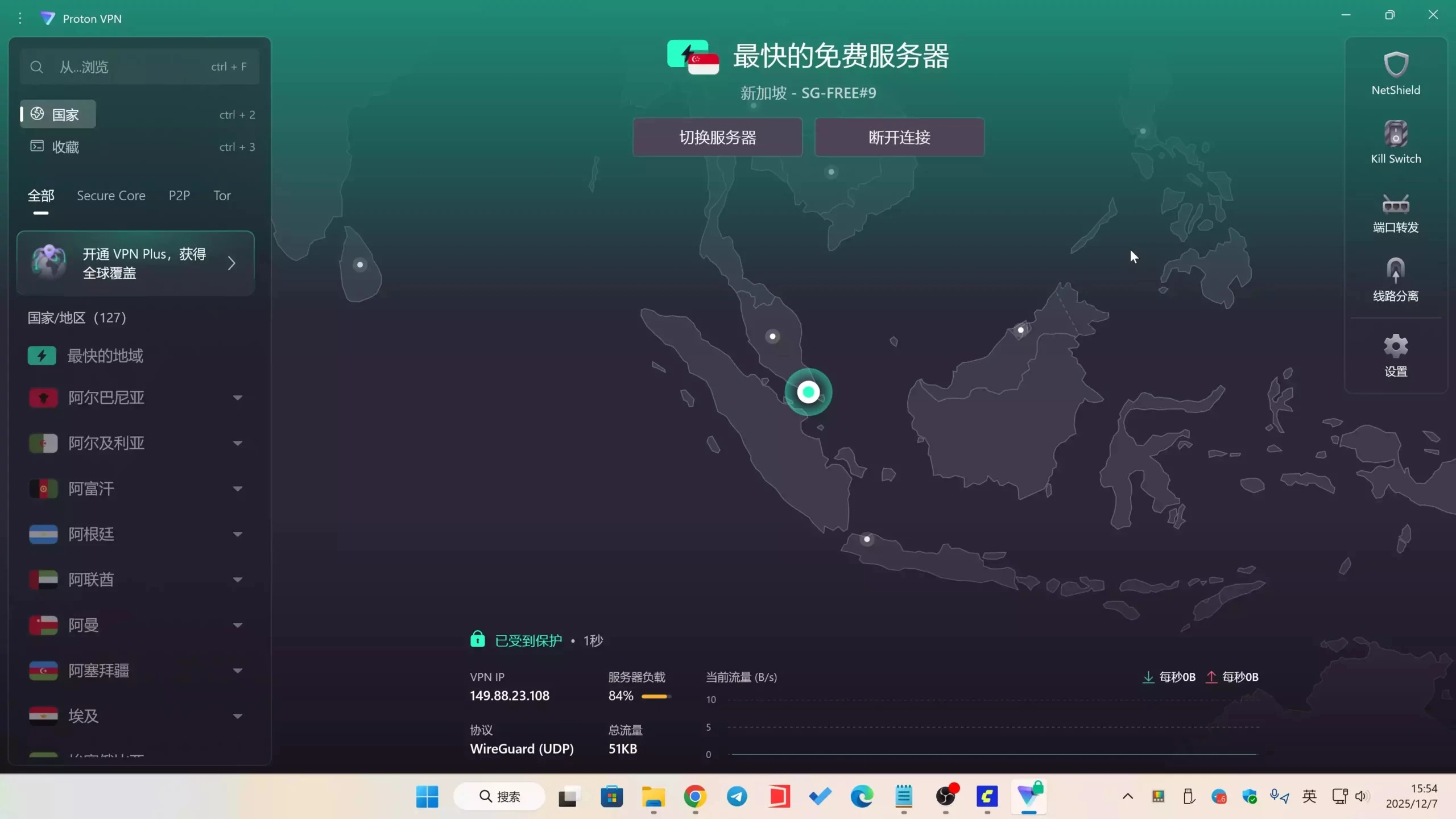
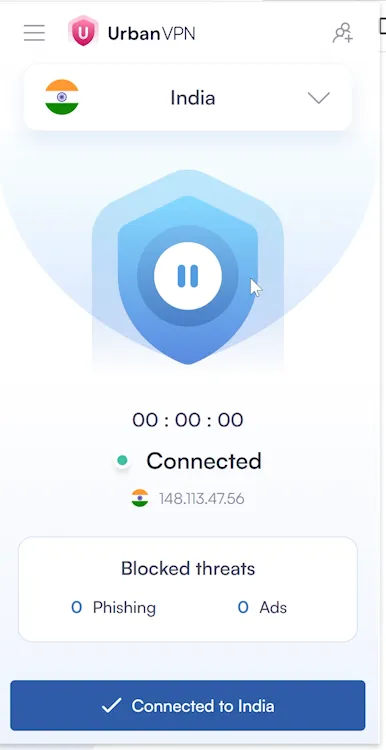
We need to prepare an Indian VPN, this is an essential prerequisite. Click here to install free Indian node VPN. Of course, to increase availability, it's recommended to use paid VPN Click here to get Surfshark.
They both have mobile apps, direct installation is more convenient!
After switching to Indian IP, then enter ChatGPT official website, you can register a new account, or use an old account (Foo IT Zone uses an old account).
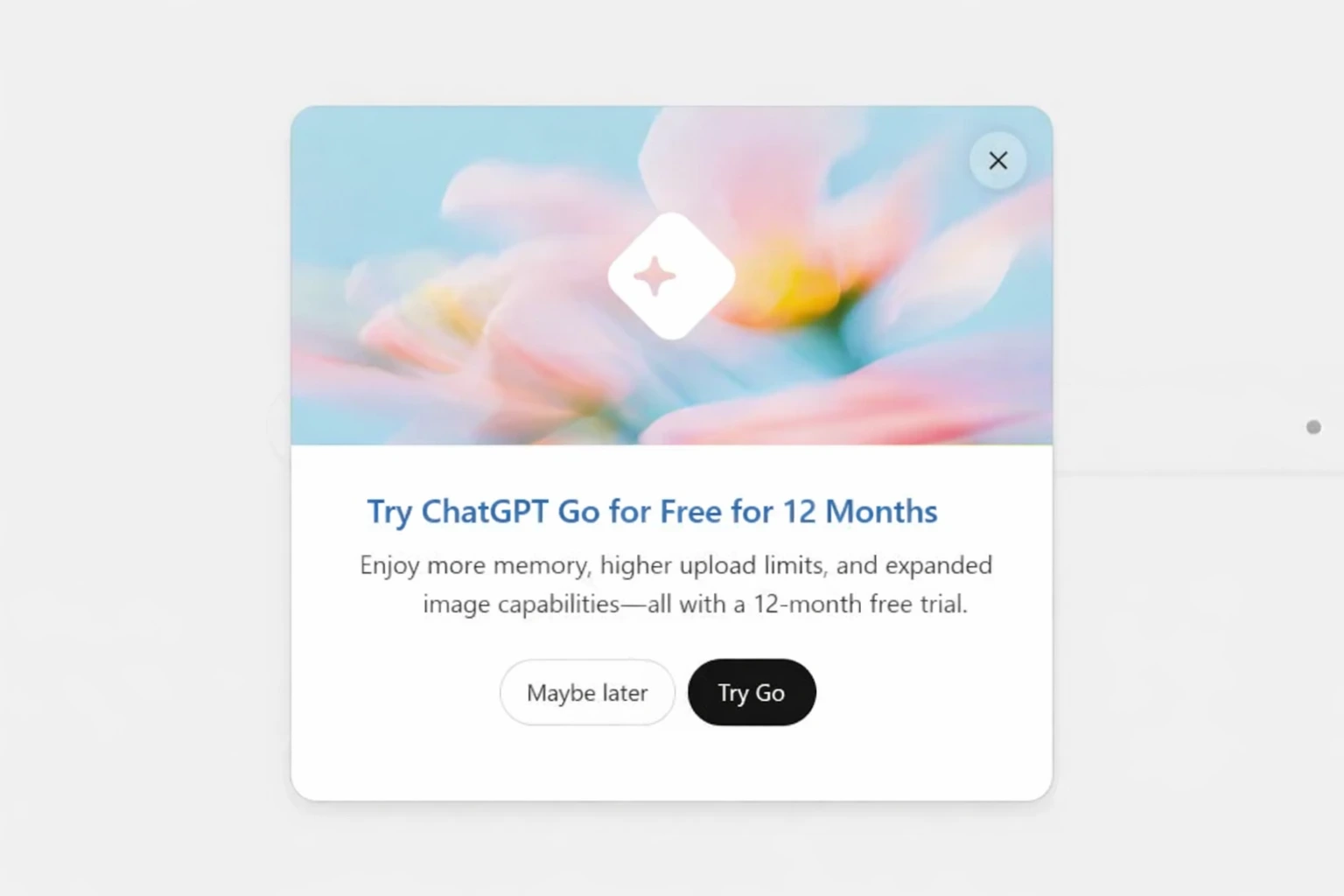
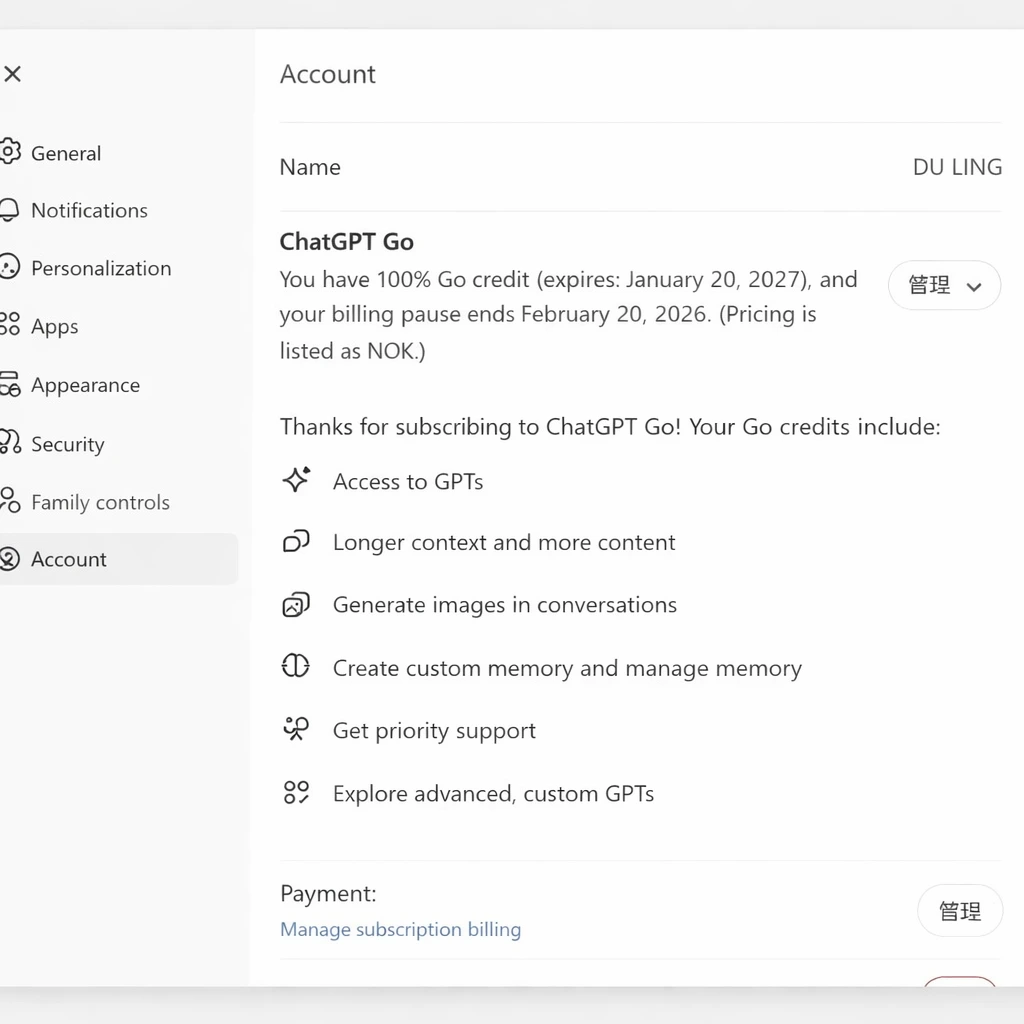
After entering, you can see free trial ChatGPT for 12 months at the top, you can see "Free Gift" or "Activate Plus" prompt, click to see the following page:
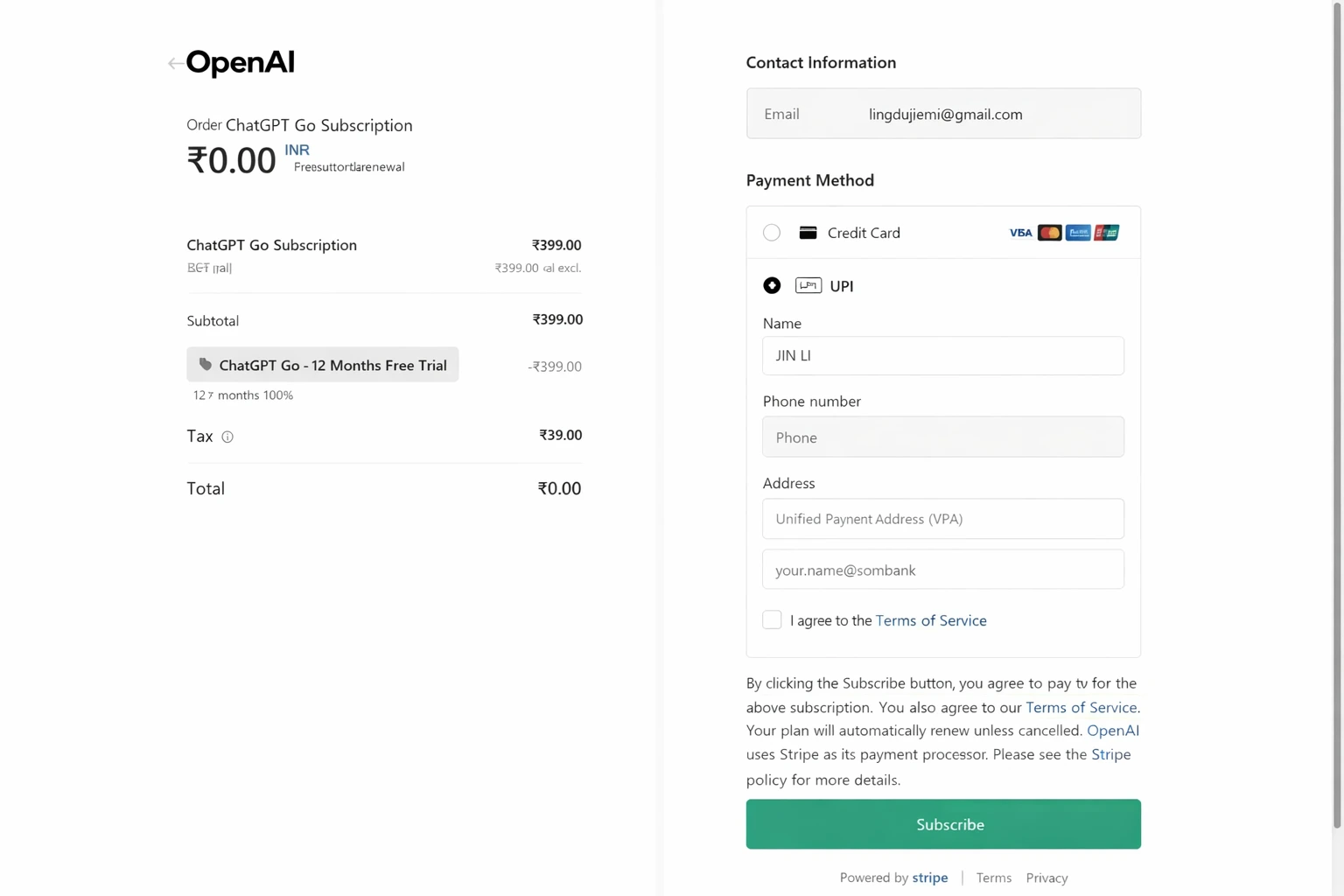
Choose GO meal, original price is 399 rupees but now it's 0 rupees,说明 you can enjoy this 1-year discount package. If you don't see the above page, it means your IP address is not pure enough, or your ChatGPT is a new account,建议 changing account to try. It's recommended to use UnionPay credit card,建议 using your real card (doesn't need to be Indian), also no need to switch regions, activate directly!
To avoid being cancelled like before, using it for a few days and then GO membership gets cancelled, so a stable Indian node VPN is essential. Whether you're on PC or mobile, when using ChatGPT GO paid account, always keep the Indian node VPN connected. Free is certainly nice, but unstable, so you can choose paid VPN, need to have Indian nodes, such as Surfshark or ProtonVPN both are available! They both have mobile apps, direct installation is more convenient!
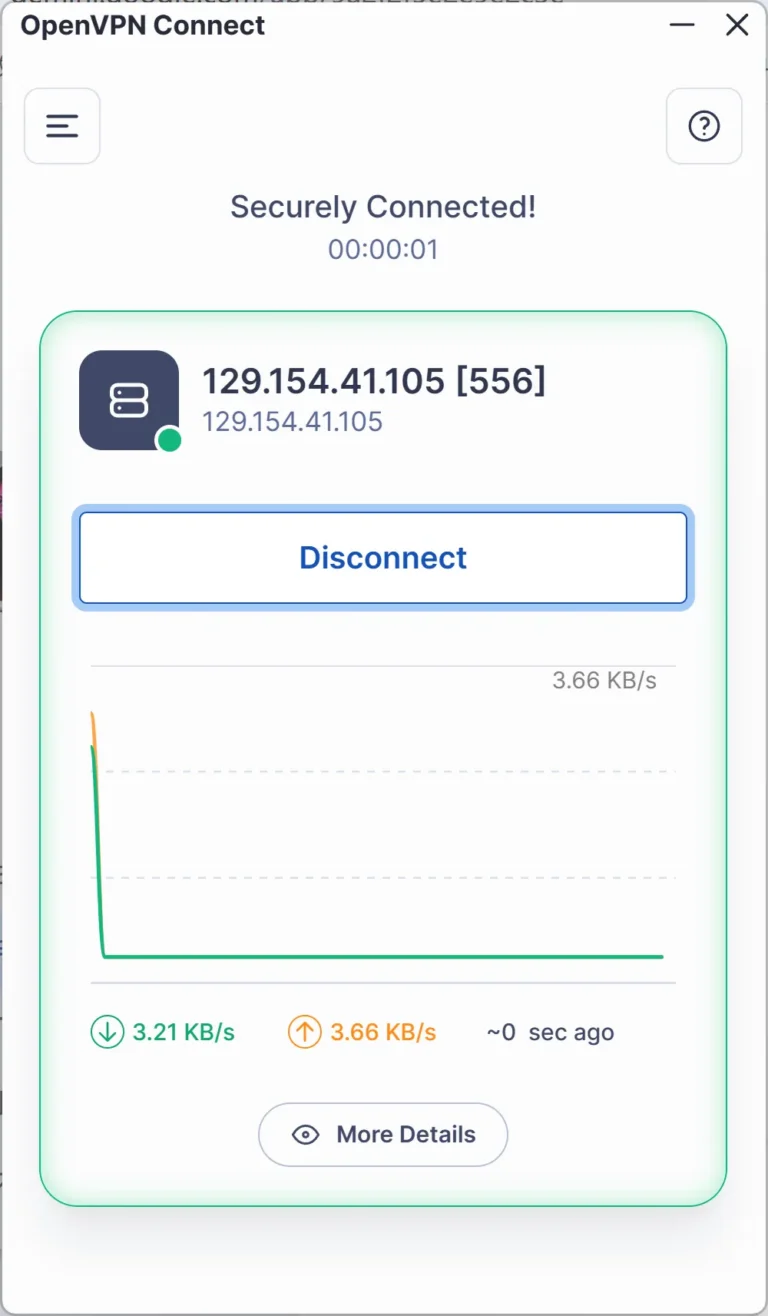
Or you can be like me, have a permanent free Oracle Cloud Server, then deploy OpenVPN or WireGuard inside, you can permanently get a free Indian proxy node.
wget https://git.io/vpn -O openvpn-install.sh && bash openvpn-install.sh
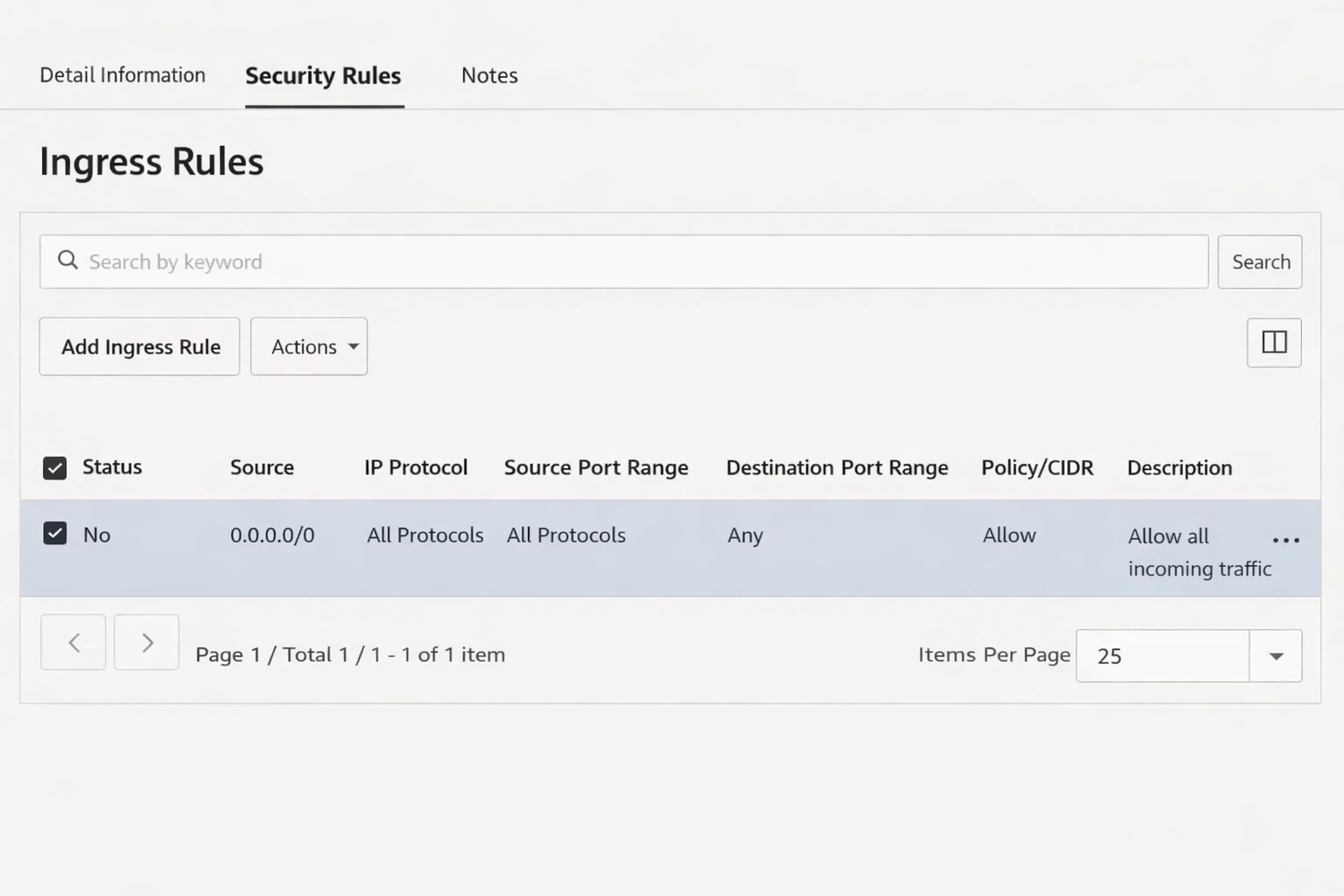
In OCI console, add to Network Security Group (NSG) or Security List:
Or directly open all ports to save trouble each time!
Open all ports:
iptables -P INPUT ACCEPT
iptables -P FORWARD ACCEPT
iptables -P OUTPUT ACCEPT
iptables -F
Ubuntu mirror sets iptables rules by default, disable it:
apt-get purge netfilter-persistent
reboot
Or force delete:
rm -rf /etc/iptables && reboot
Or install WireGuard, security encryption is better, suitable for special users:
Ubuntu / Debian:
apt update
apt install -y wireguard qrencode
wg genkey | tee server_private.key | wg pubkey > server_public.key
wg genkey | tee client_private.key | wg pubkey > client_public.key
View public keys:
cat server_public.key
cat client_public.key
View private keys:
cat server_private.key
cat client_private.key
Create configuration file:
sudo nano /etc/wireguard/wg0.conf
[Interface]
Address = 10.8.0.1/24
ListenPort = 51820
PrivateKey = server private key content
PostUp = iptables -A FORWARD -i wg0 -j ACCEPT; iptables -A FORWARD -o wg0 -j ACCEPT; iptables -t nat -A POSTROUTING -o eth0 -j MASQUERADE
PostDown = iptables -D FORWARD -i wg0 -j ACCEPT; iptables -D FORWARD -o wg0 -j ACCEPT; iptables -t nat -D POSTROUTING -o eth0 -j MASQUERADE
[Peer]
PublicKey = client public key content
AllowedIPs = 10.8.0.2/32
Note: Modify the network card inside: eth0 (everyone's is different). eth0 might not be your network card name, you can use ip a to check (OCI is usually ens3 or enp0s3).
If it's ens3, please change all eth0 above to ens3.
sudo nano /etc/sysctl.conf
Uncomment or add:
net.ipv4.ip_forward=1
Then execute:
sudo sysctl -p
sudo systemctl enable wg-quick@wg0
sudo systemctl start wg-quick@wg0
Client configuration example:
[Interface]
PrivateKey = client private key
Address = 10.8.0.2/32
DNS = 1.1.1.1
[Peer]
PublicKey = server public key
Endpoint = your server public IP:51820
AllowedIPs = 0.0.0.0/0
PersistentKeepalive = 25
Completely free • Stable connection • No PayPal required • Permanent solution
Latest news! NVIDIA secretly provides two top-tier programming models GLM-4.7 and MiniMax M2.1 for free
Latest news! NVIDIA has secretly provided two top-tier programming models GLM-4.7 and MiniMax M2.1. Now you just need to register a regular account to happily call the API, and the key is it's free! Currently there are no restrictions, don't miss out if you need this, get on board quickly! If you don't have access to external networks, then this is the best alternative to Claude and GPT models.
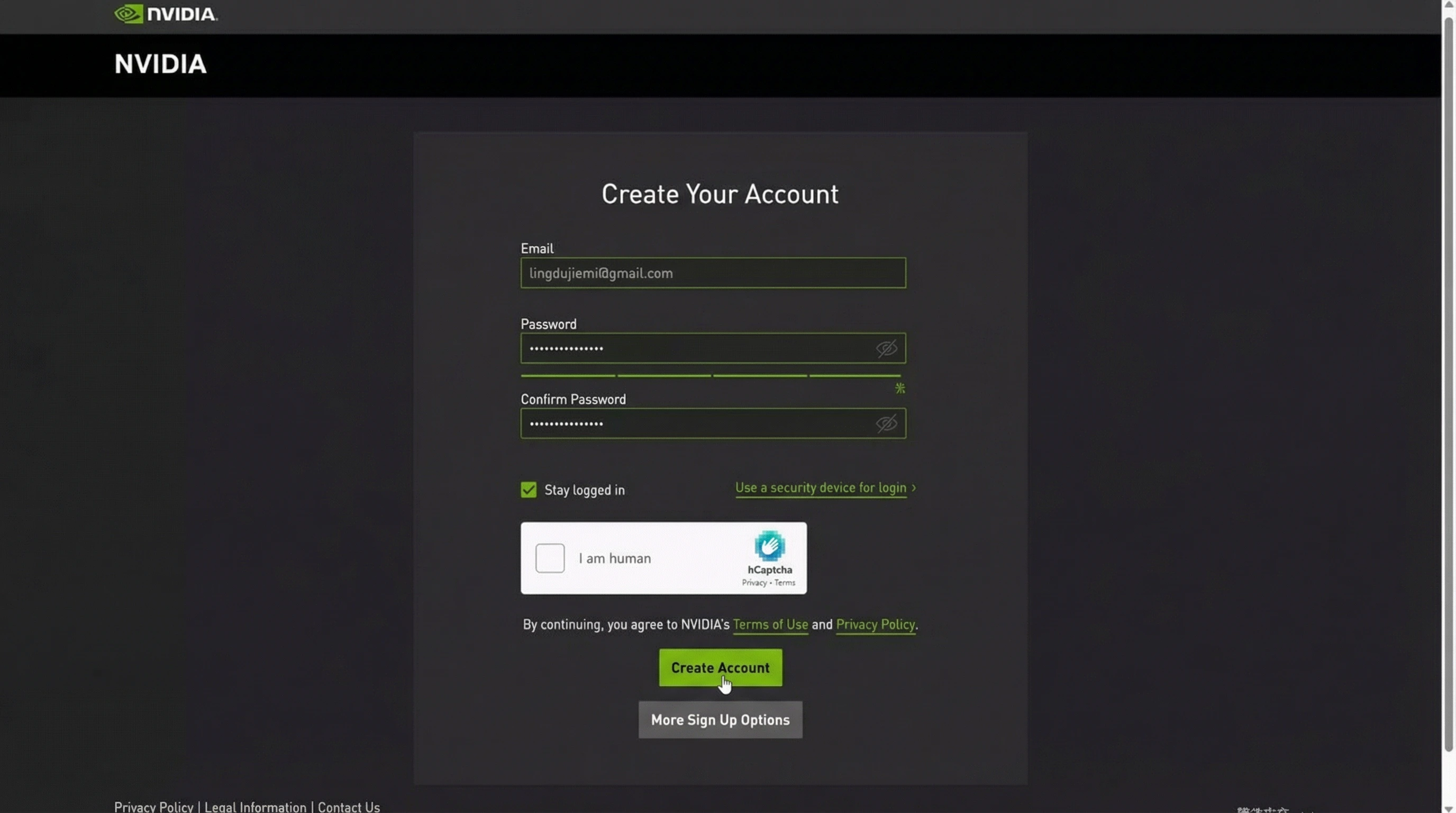
Register for a free NVIDIA NIM account:
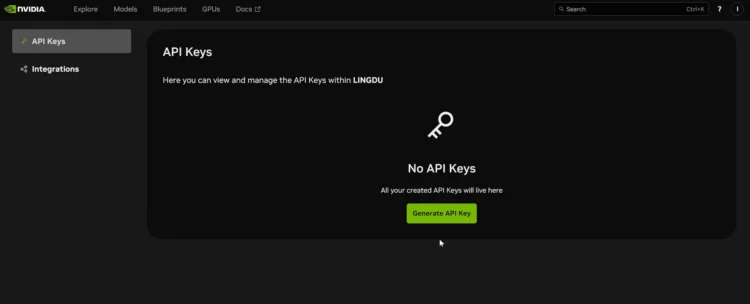
Go to NVIDIA NIMAfter logging in, generate your own API Keys in the settings center. Select "Never Expires" for expiration time. Currently can be called directly for free, no limits discovered yet.
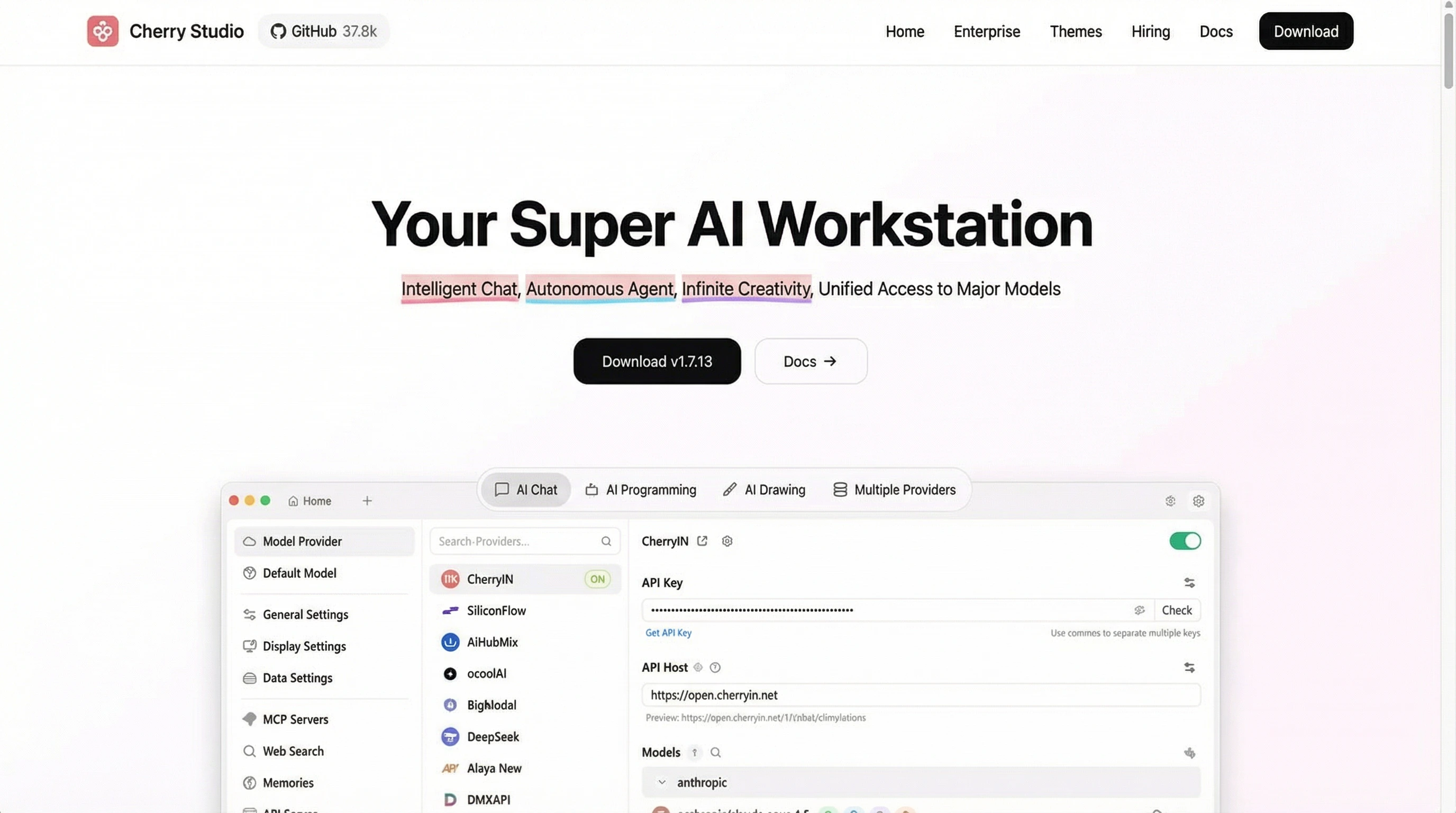
Call API through Cherry Studio to easily achieve: Intelligent Dialogue · Autonomous Agent · Unlimited Creation, unified access to mainstream large models!
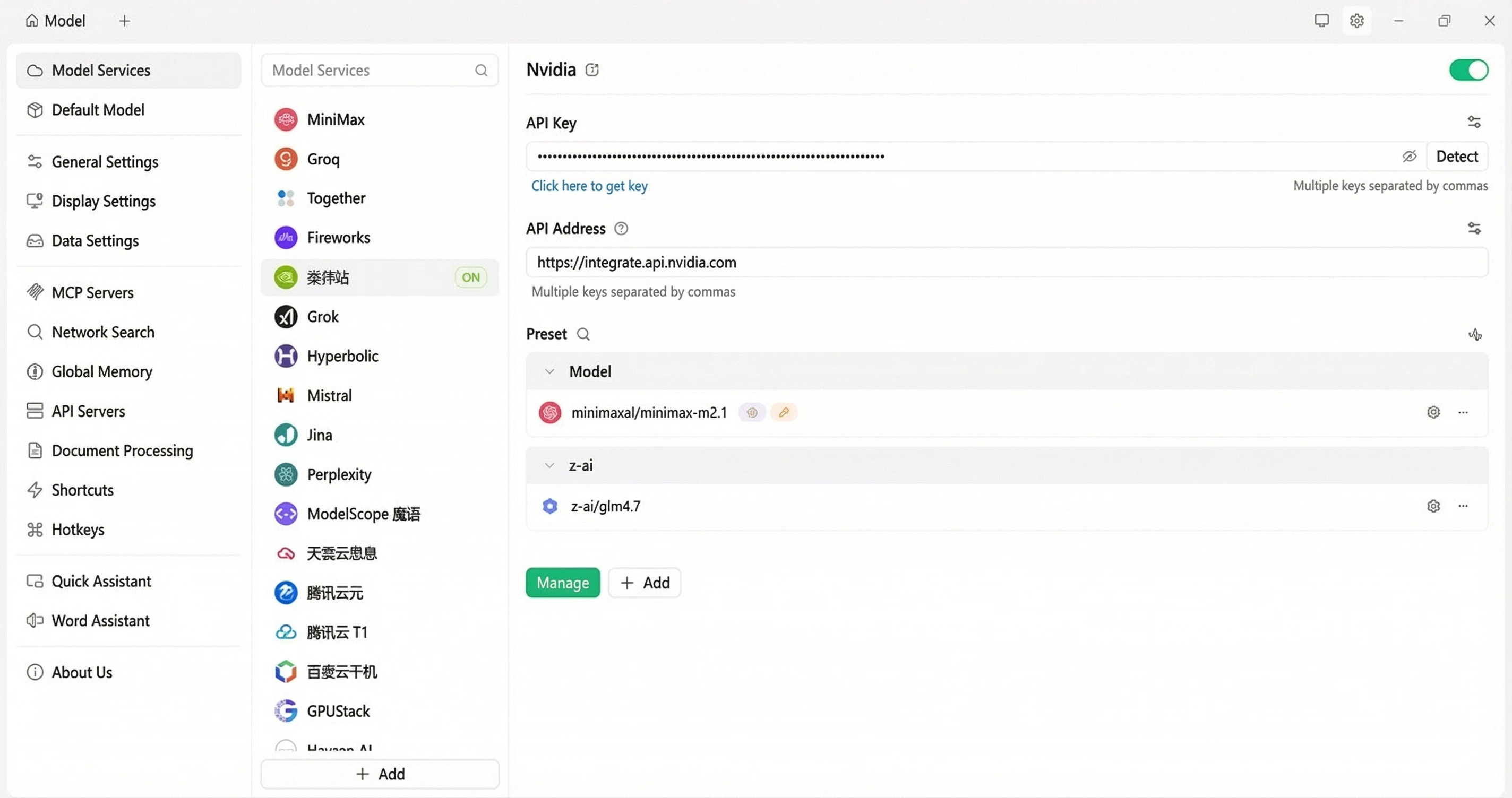
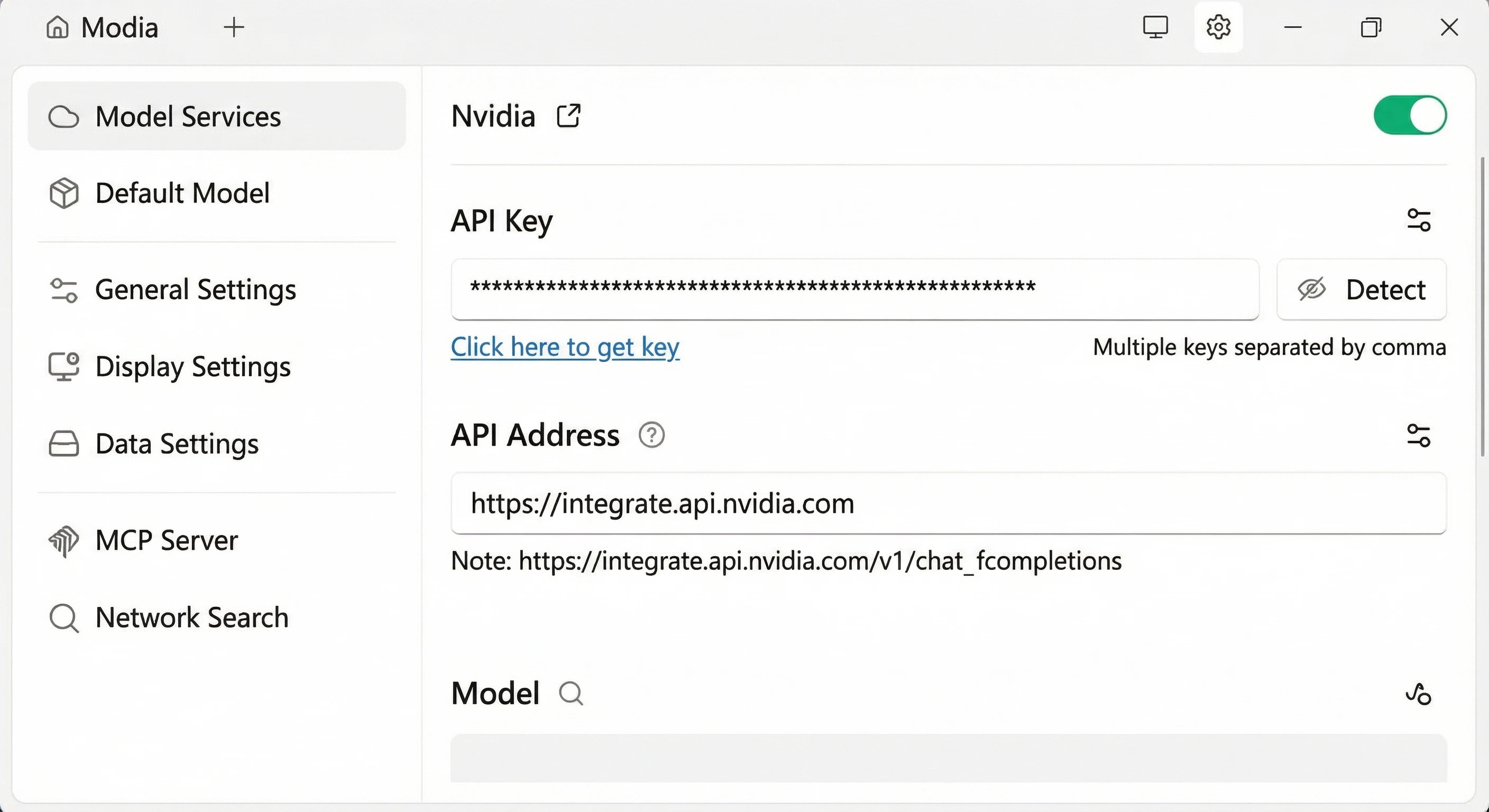
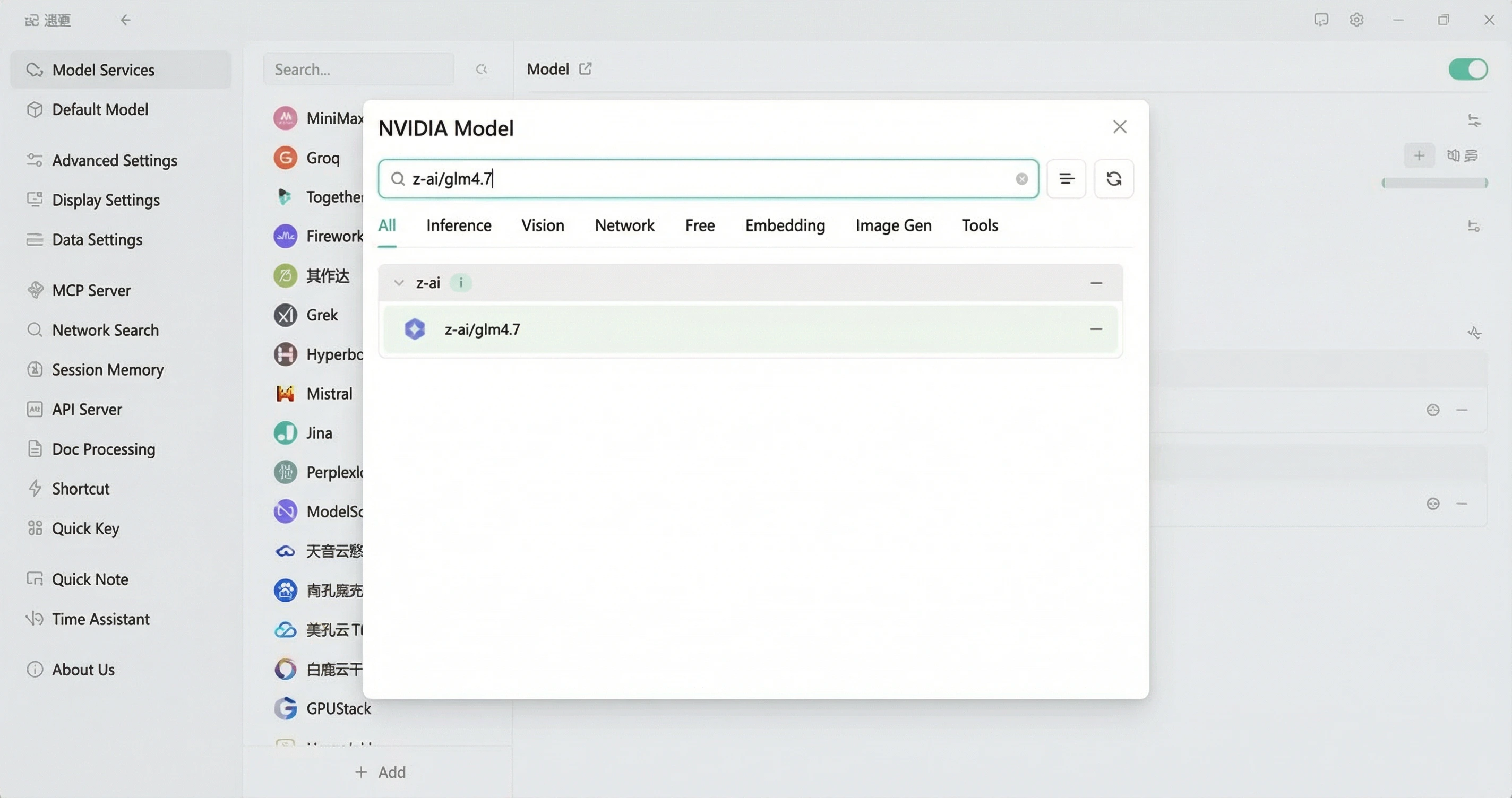
Go to Cherry StudioClick the "Manage" button at the bottom, manually add these two models:
z-ai/glm4.7
minimaxai/minimax-m2.1
Just copy the model names above and search in the management to add the models.
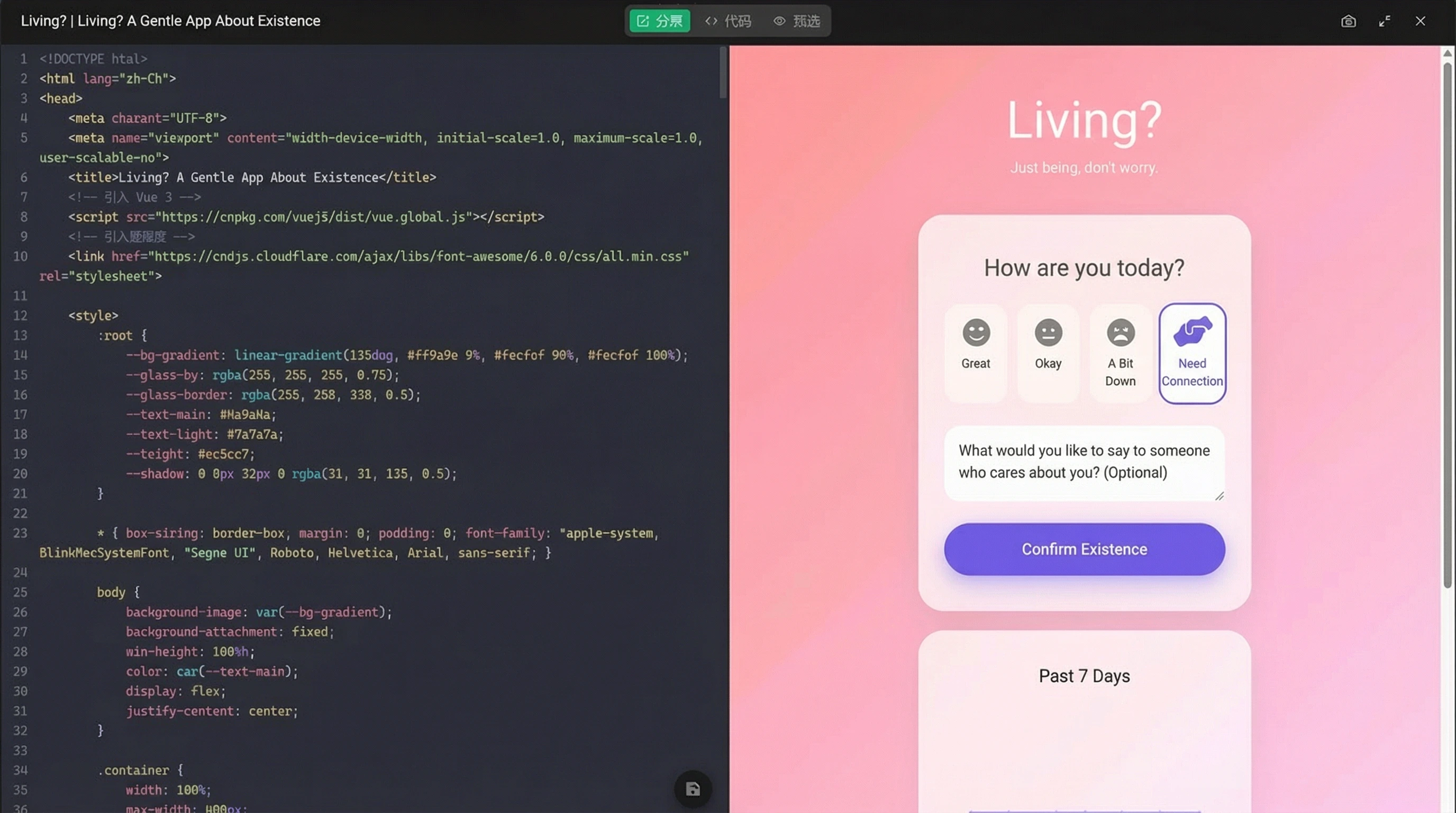
For example, I asked it to help me write a web application similar to the currently very popular app "Dead or Not" called "Alive or Not" with the following prompt:
You are a senior full-stack engineer + product manager + UI designer. Please design and generate a complete web application called "Alive or Not". This is an "existence confirmation + status synchronization" application where users check in once a day to tell relatives and friends: I'm still alive, I'm still okay.
The model generated a complete application with:
Core features included:
UI requirements: minimalist style, warm feel, premium look, gradient backgrounds, soft light effects, breathing animations, mobile responsive.
The model provided complete project structure, frontend core pages, backend core logic, database structure, startup instructions, all code was complete and runnable with necessary comments.
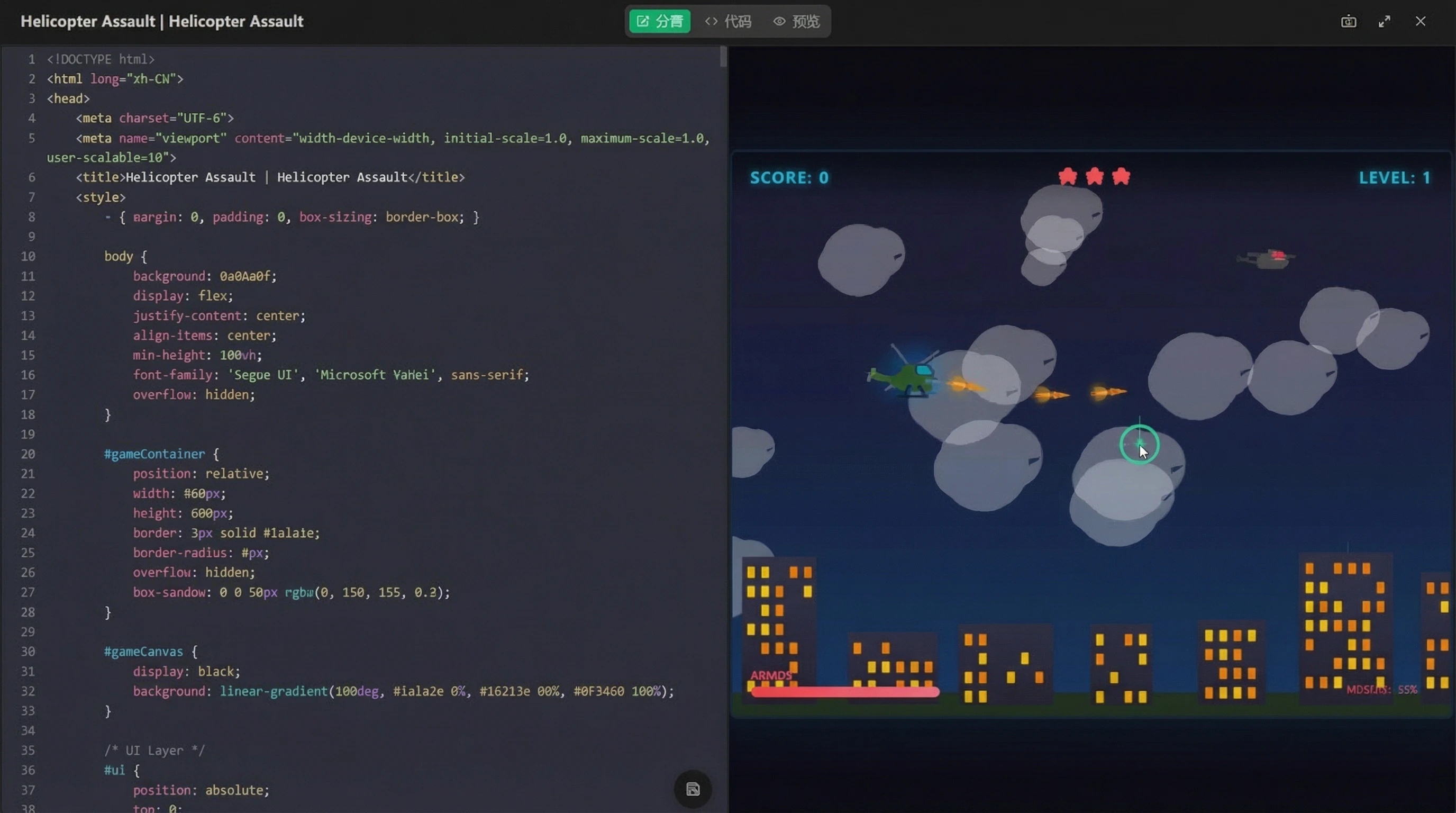
Also included a helicopter battle game with completely free creative expression, the effect was quite stunning!
Completely free • No API limits • Top-tier models • Claude/GPT alternative
First DiT-based audio-video foundation model with synchronized audio and video generation, high fidelity, multiple performance modes, and production-ready outputs
Recently, the AI video community has been dominated by one name - LTX-2. It's not only completely free and open-source, but also packs the most cutting-edge video generation capabilities into a single model. LTX-2 is the first DiT-based audio-video foundation model that integrates all core functions of modern video generation: synchronized audio and video, high fidelity, multiple performance modes, production-ready outputs, API access, and open access!
LTX-2 is not just another AI model - it's the first truly "all-in-one" AI video generation model. Unlike others that can only generate video without sound, or have mismatched audio/video, or require ridiculous hardware specs, LTX-2 delivers synchronized audio + video + high quality + local deployment + low requirements.
Extreme Mode: For maximum quality output
VRAM-Saving Mode: Optimized for 8GB graphics cards
High-Speed Mode: For quick drafts and prototyping
No queuing, no cloud dependency, no speed limits, no billing, no account bans. Just your graphics card + your model + unlimited video creation capability. This is true freedom for creators.
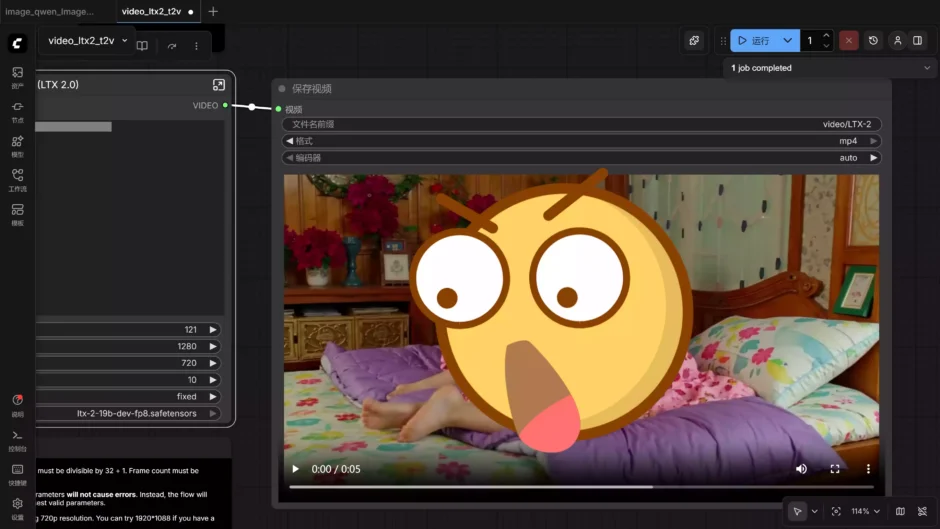
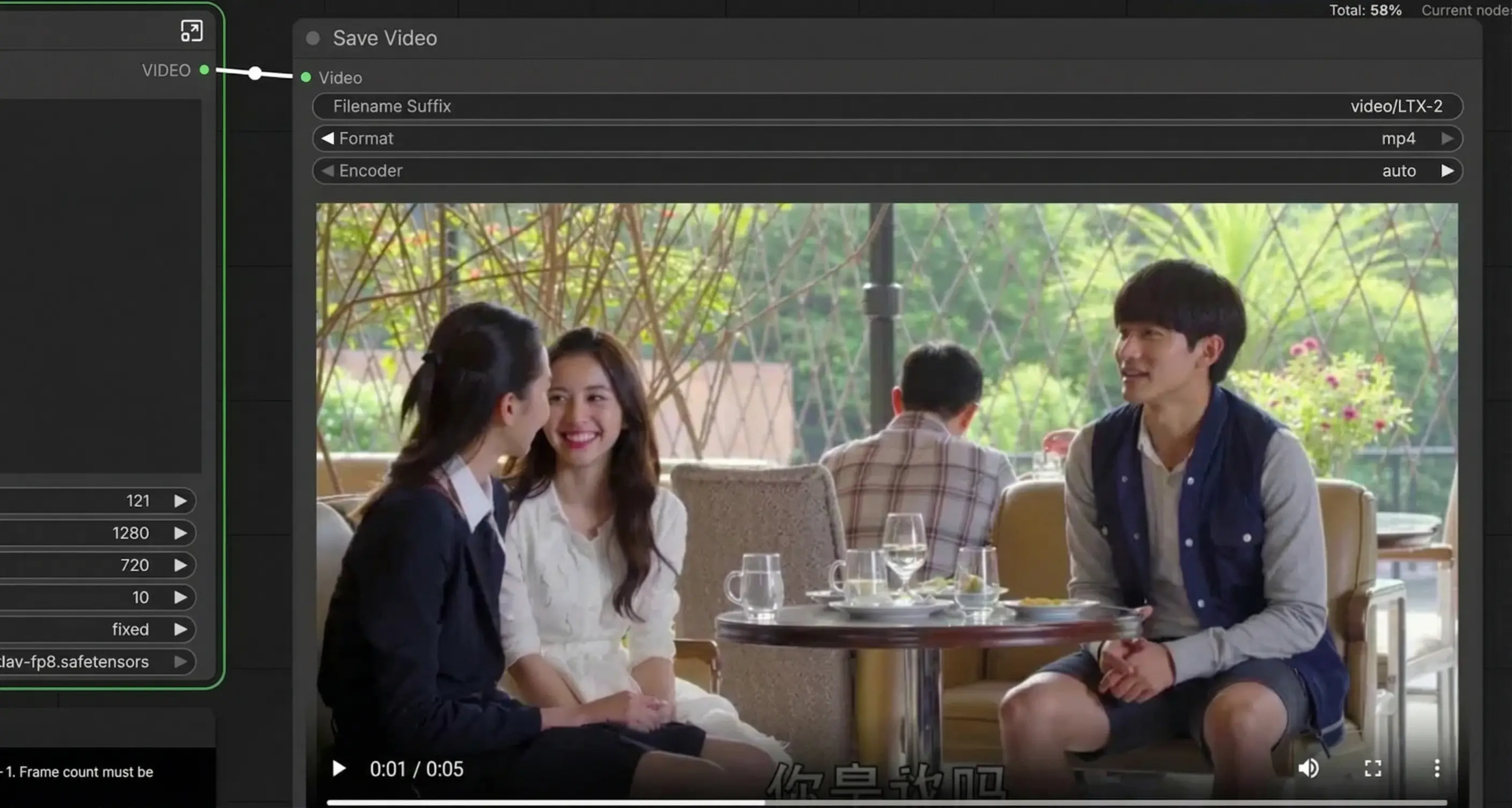
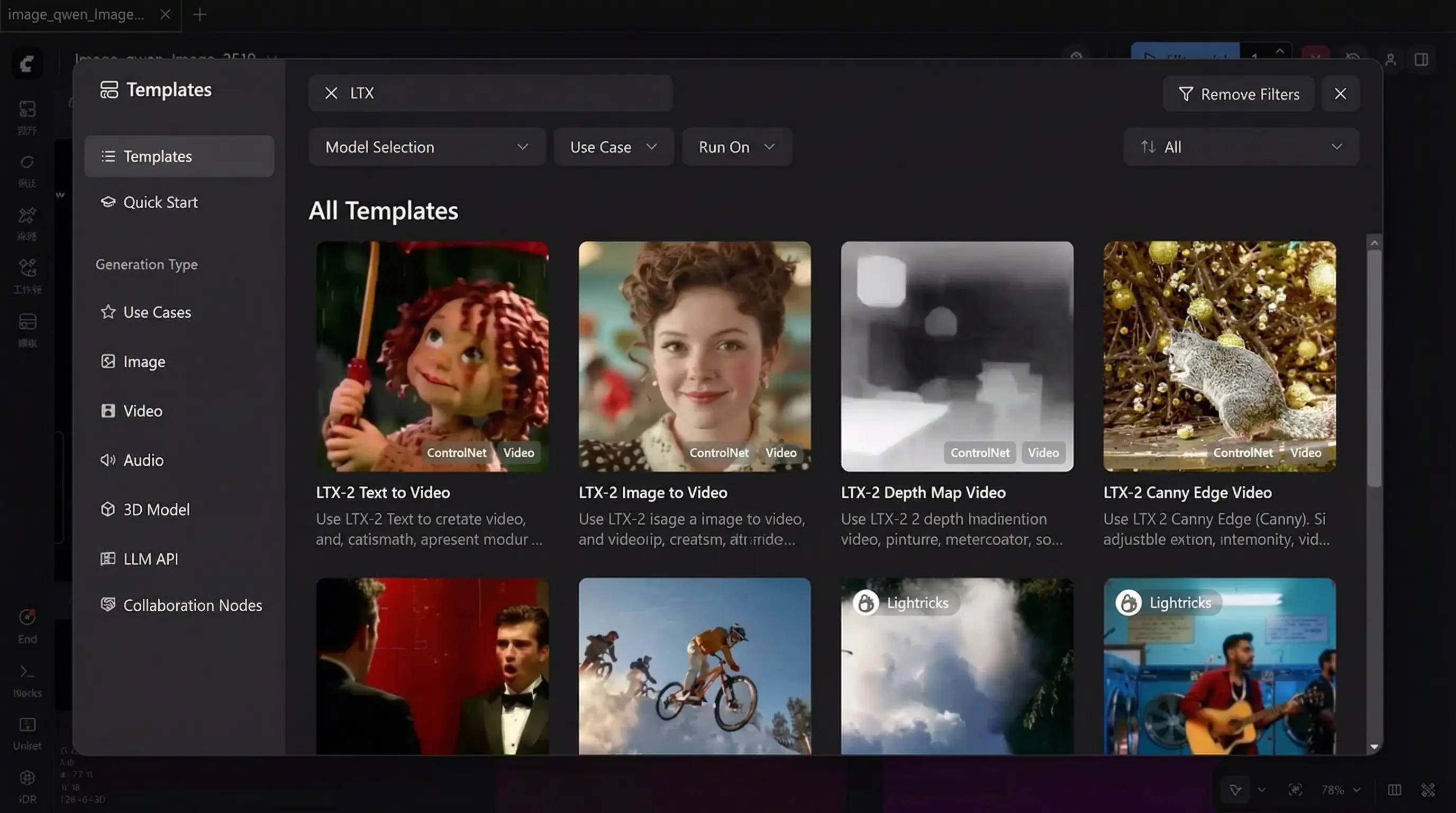
Super convenient one-click deployment with ComfyUI latest version!
Clone Repository: git clone https://github.com/Lightricks/LTX-2.git
Setup Environment: cd LTX-2 && uv sync --frozen && source .venv/bin/activate
ltx-2-19b-dev-fp8.safetensors - Download
ltx-2-19b-dev.safetensors - Download
ltx-2-19b-distilled.safetensors - Download
ltx-2-19b-distilled-fp8.safetensors - Download
ltx-2-spatial-upscaler-x2-1.0.safetensors - Required for current two-stage pipeline
ltx-2-temporal-upscaler-x2-1.0.safetensors - Supported for future pipeline implementation
ltx-2-19b-distilled-lora-384.safetensors - Simplified LoRA (required for current pipeline except DistilledPipeline and ICLoraPipeline)
Gemma 3 LoRA - Download all resources from HuggingFace repository
Control Models: Canny, Depth, Detailer, Pose, Camera Control (Dolly In/Out/Left/Right/Up/Down/Jib/Static)
Production-grade text/image-to-video, supports 2x upscaling (recommended)
Single-stage generation for rapid prototyping
Fastest inference with only 8 predefined sigma values (8 steps first stage, 4 steps second stage)
Video-to-video and image-to-video conversion
Use DistilledPipeline: Fastest inference with 8 predefined sigma values
Enable FP8: Reduce memory usage with --enable-fp8 (CLI) or fp8transformer=True (Python)
Attention Optimization: Use xFormers (uv sync --extra xformers) or Flash Attention 3 for Hopper GPUs
Gradient Checkpointing: Reduce inference steps from 40 to 20-30 while maintaining quality
Skip Memory Cleanup: Disable automatic memory cleanup between stages if you have sufficient VRAM
8GB VRAM Models: Download KJ's Optimized Models
Choose ltx-2-19b-distilled_Q4_K_M.gguf (recommended) or ltx-2-19b-distilled_Q8_0.gguf
VAE Models: Download KJ's VAE
A 20-year-old Asian couple sitting in a café, girl smiling and speaking Mandarin: "Do you still remember when we first met?" Boy nods gently, replying in Mandarin: "Of course I remember, you were wearing a white dress that day, I fell for you at first sight." Natural lighting, realistic photography style, slight camera movement, perfect lip sync with audio.
Asian young couple arguing at home, girl speaking Mandarin angrily: "You forgot to do the dishes again!" Boy looks innocent, replying humorously: "I didn't forget, I was waiting for inspiration!" Light comedy style, exaggerated but natural expressions, lip sync, fast rhythm.
First-person shooter game footage, player fighting in city ruins while commenting in Mandarin: "This gun's recoil is too strong, but the damage is really high, I need to circle around from the right." Smooth gameplay, gun sounds sync with audio, slight game HUD.
Futuristic sci-fi lab, Asian female scientist speaking Mandarin: "Do you really think you have emotions?" Humanoid robot responding calmly in Mandarin: "I am learning to understand human emotions." Cold-toned lighting, sci-fi movie style.
LTX-2 represents the first true "civilian-grade" AI video generation. It delivers synchronized audio + video + high quality + local deployment + low hardware requirements. This breaks the barrier between professional tools and everyday creators, making unlimited video generation accessible to everyone with just 8GB VRAM.
For short videos, social media, animation, YouTube, TikTok, or just experimenting with AI video - LTX-2 is currently the best value proposition in the market.
Completely free • Open source • 8GB VRAM support • Unlimited generation
Meta's revolutionary 3D visual reconstruction system that transforms ordinary 2D images and videos into realistic 3D models
Just a few days ago, Meta officially released and open-sourced a model that is poised to revolutionize the entire AI and 3D industry – SAM 3D.
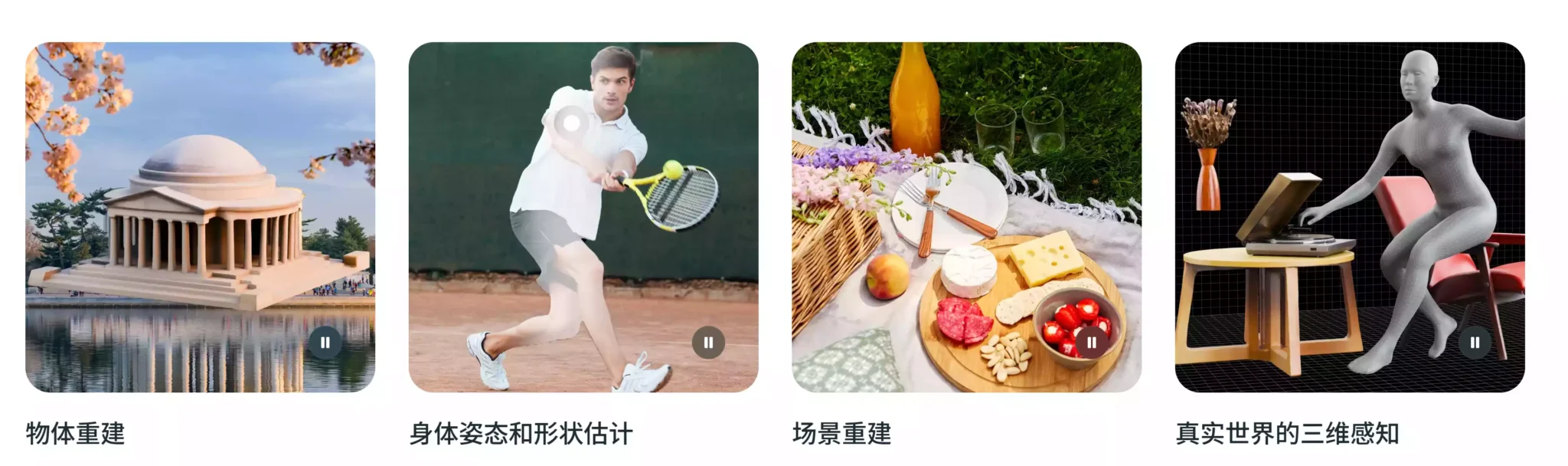
SAM 3D is a 3D visual reconstruction system that Meta has upgraded based on its classic Segment Anything Model (SAM). It's not simply about "identifying objects from images," but rather directly reconstructing usable 3D models, poses, and spatial structures from a single image or video.
SAM 3D Body: Focuses on 3D pose, motion, skeleton, and mesh reconstruction of the human body
SAM 3D Objects: Used to recreate various objects in the real world, such as furniture, tools, and electronic products
Before SAM 3D: Professional 3D scanner, LiDAR, multi-angle photography + manual modeling, expensive software and complex processes
With SAM 3D: 📸 Give me an ordinary photo → I give you a realistic and usable 3D world
Merchants upload product photos → SAM 3D generates 3D models → You open AR on your phone → Place it directly in your living room. This upgrades e-commerce from "ordering based on images" to "ordering after a real preview."
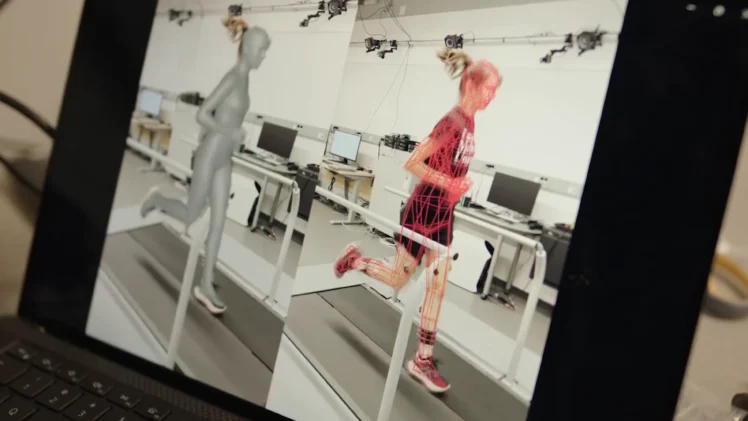
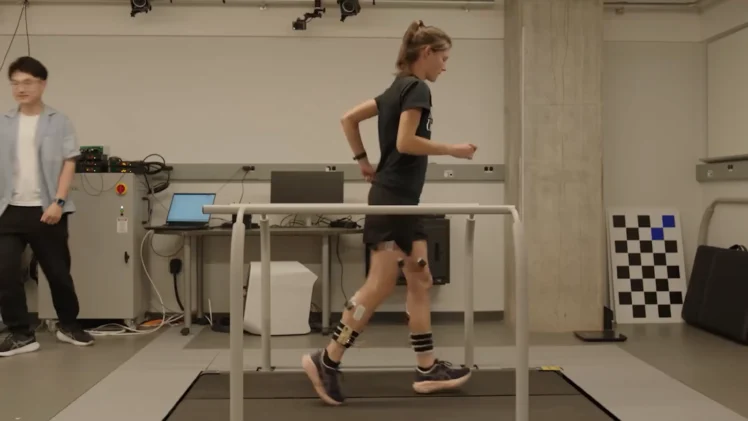
SAM 3D Body can reconstruct human skeleton from video, identify joint angles, and analyze movement standards. AI acts like a "virtual therapist," monitoring movement correctness in real time for improved rehabilitation accuracy.
SAM 3D Objects provides robots with complete 3D object outlines, surface shapes, and grasping point positions, enabling precise grasping, slip avoidance, and gravity determination - evolving from "robotic arms" to "intelligent agents that understand the world."
Meta uses a 3D pose regression system based on a Transformer encoder-decoder architecture. Input: Ordinary image → Output: 3D human body mesh + pose parameters. It doesn't predict keypoints, but directly predicts the complete 3D human body model.
The object model uses a two-stage Diffusion Transformer (DiT):
Stage 1: Generates 3D shape and pose of the object
Stage 2: Refines textures and geometric details
This makes the final generated model realistic, useful, renderable, and interactive.
In multiple international 3D reconstruction and pose benchmark tests, both SAM 3D models surpassed the current state-of-the-art open-source and commercial solutions, delivering higher accuracy, better stability, and stronger handling of occlusion and complex scenes.
This isn't just good news for ordinary users; it's an earthquake for the entire industry. Open source means developers can directly integrate it, enterprises can customize it, entrepreneurs can build products based on it, and students can study it for free.
Future applications include 3D search engines, AI spatial modeling, AR shopping platforms, and virtual world generators - all built on SAM 3D.
Completely free • Open source • Professional-grade • Revolutionary 3D technology
Currently the best Android TV live TV software with comprehensive features and customization options
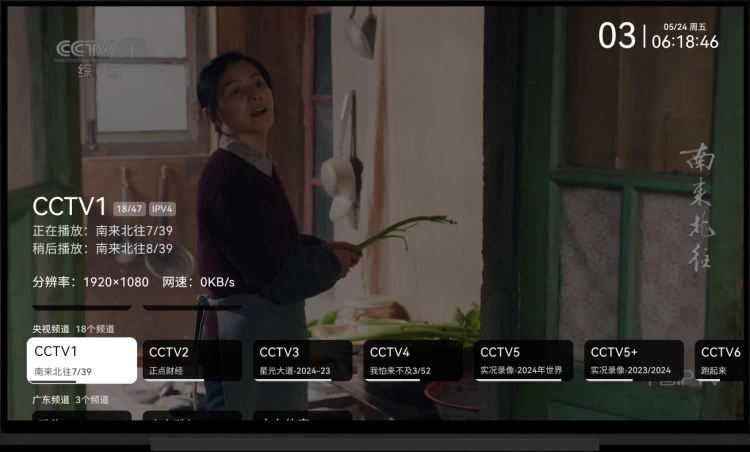
My TV Live TV software developed using native Android
Includes Live Streaming Software, Live Streaming Sources, and TV Assistant Package
Remote control operation is similar to mainstream live TV software
Use up and down arrow keys or number keys to switch channels; swipe up and down on the screen
OK button; single tap on the screen
Press menu or help button, long press the OK button; double tap, long press on the screen
Arrow Keys: Screen swipe up, down, left, and right on the screen
OK button: Tap on the screen
Long press OK button: Long press on the screen
Menu/Help button: Double-tap on the screen
Access the following URL: http://<device IP>:10481
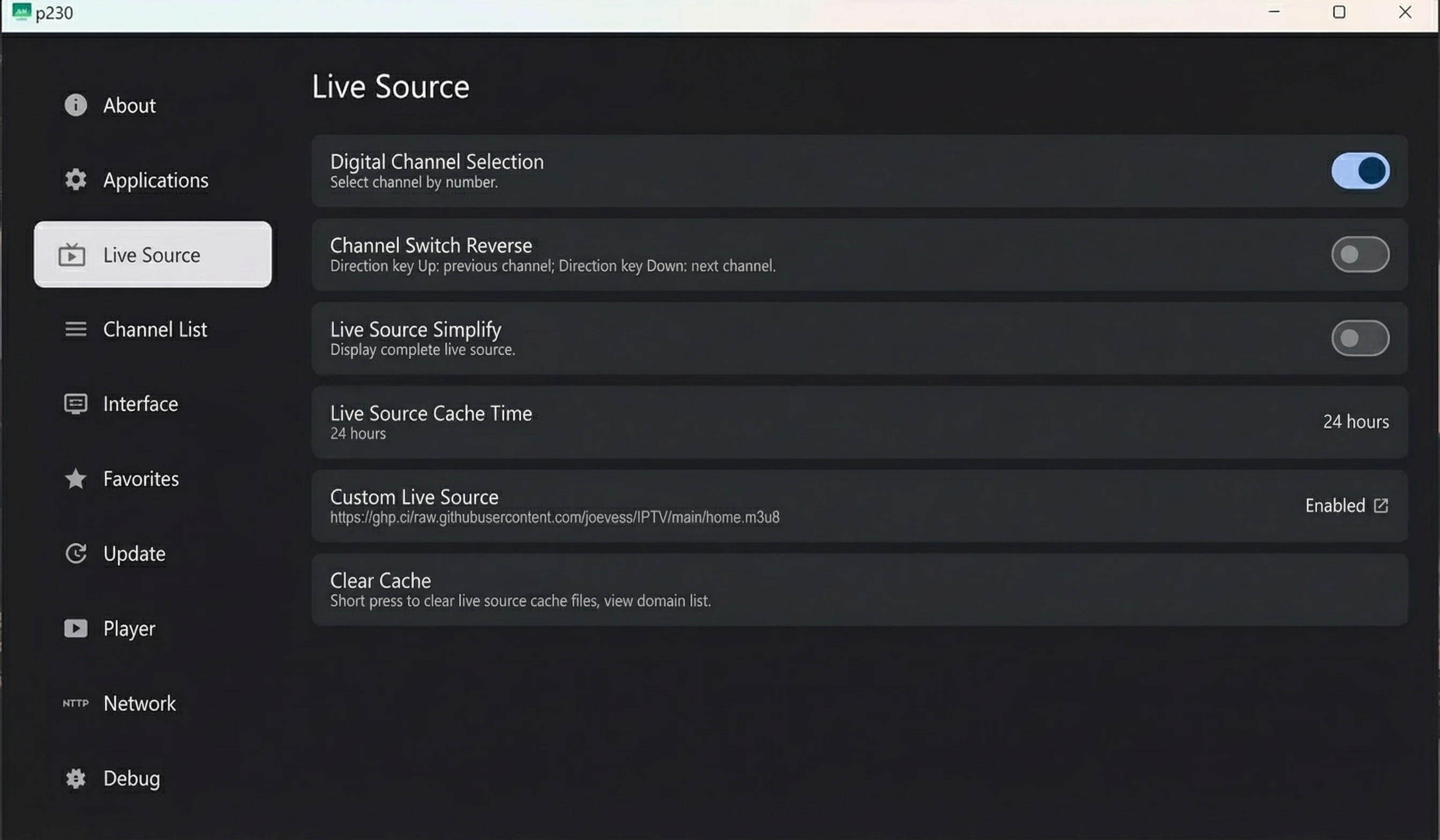
Supports custom live stream sources, custom program schedules, cache time, etc.
The webpage references jsdelivr's CDN; please ensure it can be accessed normally.
Custom settings URL
m3u format, TVbox format
Open the application settings interface, select the custom live stream source item, and a list of historical live stream sources will pop up.
Short press to switch to the current live stream source (requires restart), long press to clear history; this function is similar to multi-warehouse, mainly used to simplify live stream source switching.
When live stream data is successfully acquired, it will be saved to the historical live stream source list. When live stream data acquisition fails, it will be removed from the historical live stream source list.
Multiple playback addresses are available for the same channel; relevant identifier is located after the channel name.
Use left and right arrow keys; swipe left and right on the screen.
If the current line fails to play, the next line will automatically play until the last one.
When a line plays successfully, its domain name will be saved to the playable domain name list. When a line fails to play, its domain name will be removed from the playable domain name list.
Open the application settings interface, select the "Custom Program Schedule" option, and a historical program schedule list will pop up.
.xml, .xml.gz formats
Open the application channel selection interface, select a channel, press the menu button, help button, or double-tap on the screen to open the current day's program schedule.
Since this application does not support replay functionality, earlier program schedules are unnecessary to display.
Open the application channel selection interface, select a channel, long press the OK button, long press on the screen to favorite/unfavorite the channel.
First, move to the top of the channel list, then press the up arrow key again to toggle the favorites display; long press on the channel information on the phone to switch.
You can download via the release button on the right or pull the code to your local machine for compilation.
my_tv (Flutter) experiences stuttering and frame drops when playing 4K videos on low-end devices.
Android 5 and above. Network environment must support IPv6 (default live stream source).
my own TV; stability on other TVs is unknown.
http://epg.51zmt.top:8000/e.xml.gz
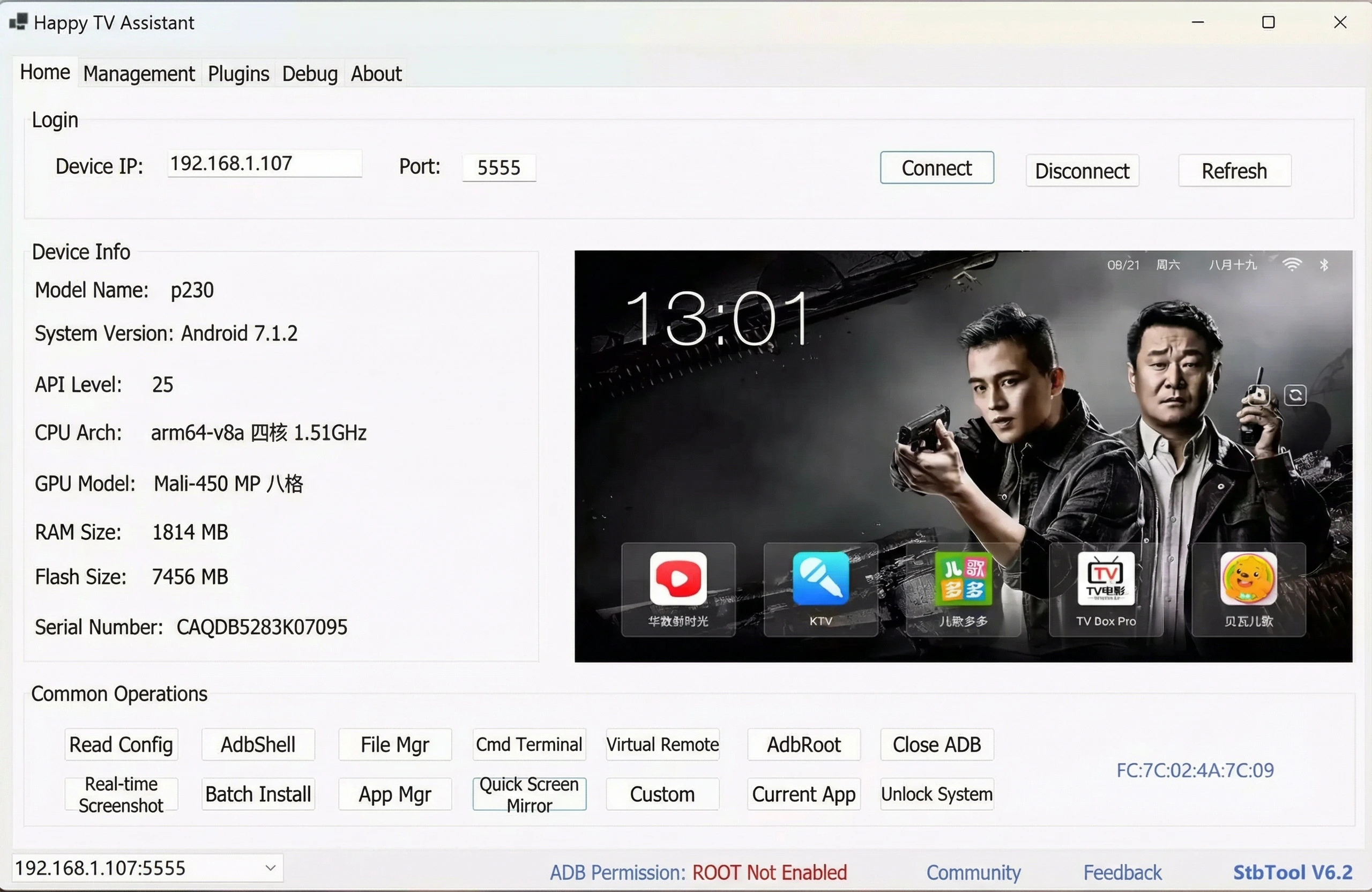
Happy TV Assistant [Latest Version] - An essential tool for Android TVs!
0x01 Fixed an unknown error issue caused by Chinese characters in the path
0x02 Added support for Rockchip chips
Rewrote core code, compatible with Android versions 4.4-14
A brand-new application manager that displays application icons, more accurately shows application installation locations, adds one-click generation of simplified system scripts, and exports all application information
Optimized custom script logic, making it easier to add custom scripts, and added backup functionality for Hisilicon, Amlogic, MStar, and Guoke chips
Updated screen mirroring module, supporting fast screen mirroring from mainstream TVs, projectors, and set-top boxes, with customizable screen mirroring parameters
Updated virtual remote control module, which can run independently
The software requires Visual C++ 2008 runtime library and .NET Framework 4.8.1 runtime environment to function properly, and only supports Windows 7 and above 64-bit systems
Completely free • Open source • High definition • Ad-free
Open-source text-to-image model with Chinese support, no censorship, and low memory requirements
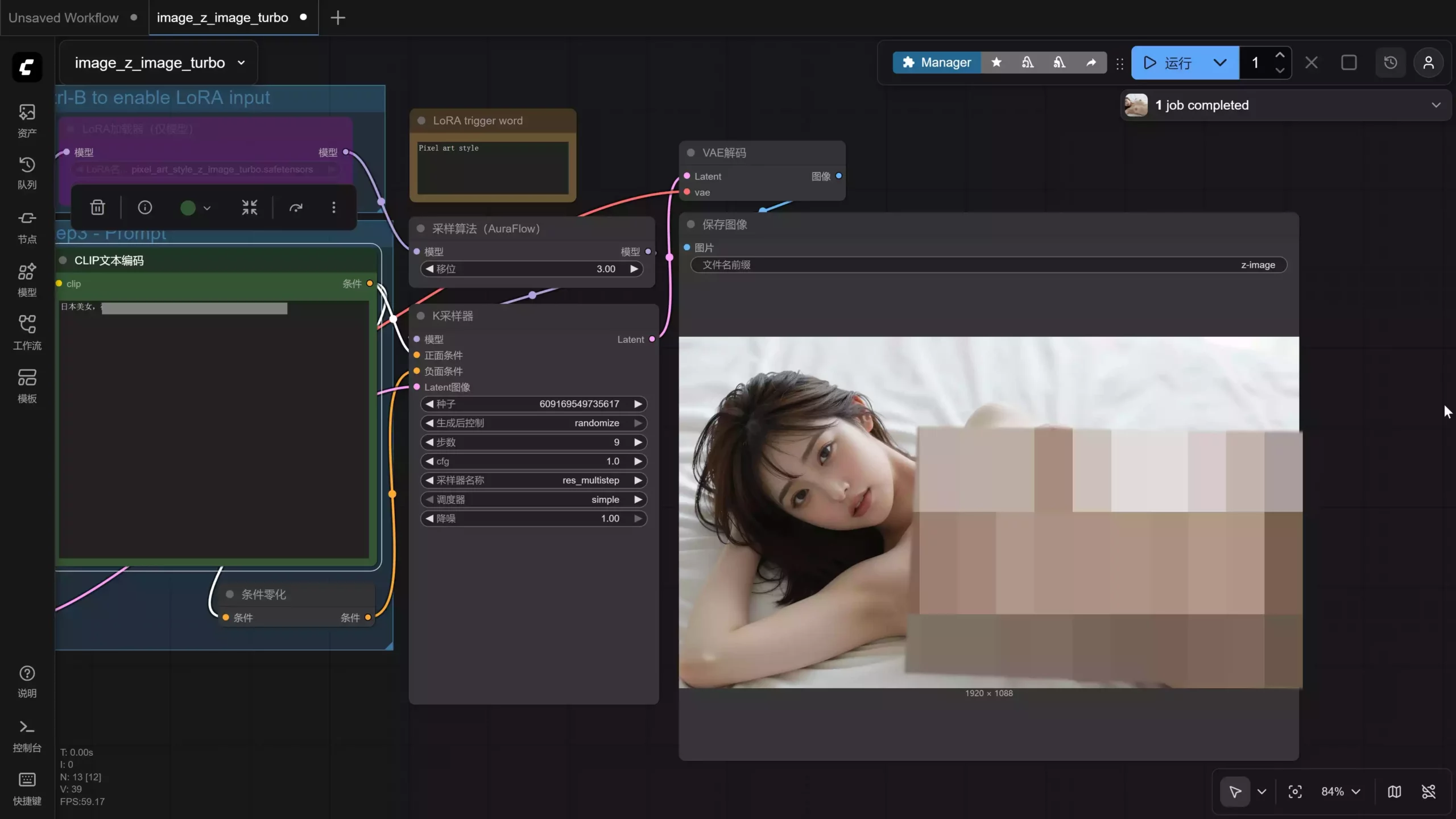
Today, we'll share how to run Z-Image Turbo locally. This is an open-source text-to-image model that supports Chinese image text, has no censorship restrictions, and can generate NSFW content. It has low memory requirements—only 8GB is needed to run it—and crucially, it's extremely fast!! The official website also provides a local deployment solution. All you need is ComfyUI + the official Workflow workspace; it's easy to get started on both Windows and Mac!
If you don't have time to read tutorials, don't want to manually download and install, or your network environment doesn't allow it, you can choose to directly open the model integration package below for no-manual deployment.
Preparation Before Deployment:
Step 2: Install the latest version of the ComfyUI client
Currently, Windows supports NVIDIA cards and CPU decoding. The Mac version is limited to M-series chips. If you have an AMD card, you can only decode via CPU. Output is supported, but input will be significantly reduced!
Due to ComfyUI... The official client requires an external network connection to download the necessary environment installation packages and AI models. If you are unable to download them,
you can use a secure encrypted VPN: Click to download, and then enable TUN global mode!
Step 3: Obtain the Workflow
Click to download the Raw Image Workflow or the Alternative Download. Then scroll down to find the "Download JSON Workflow File" button. If you press this button, it will directly open the JSON file (which displays a bunch of code). Right-click and save it to your desktop.
After downloading the workflow, drag it into the ComfyUI workspace. It will prompt you to download and install the necessary AI models. Once the download and installation are complete, you can use it!
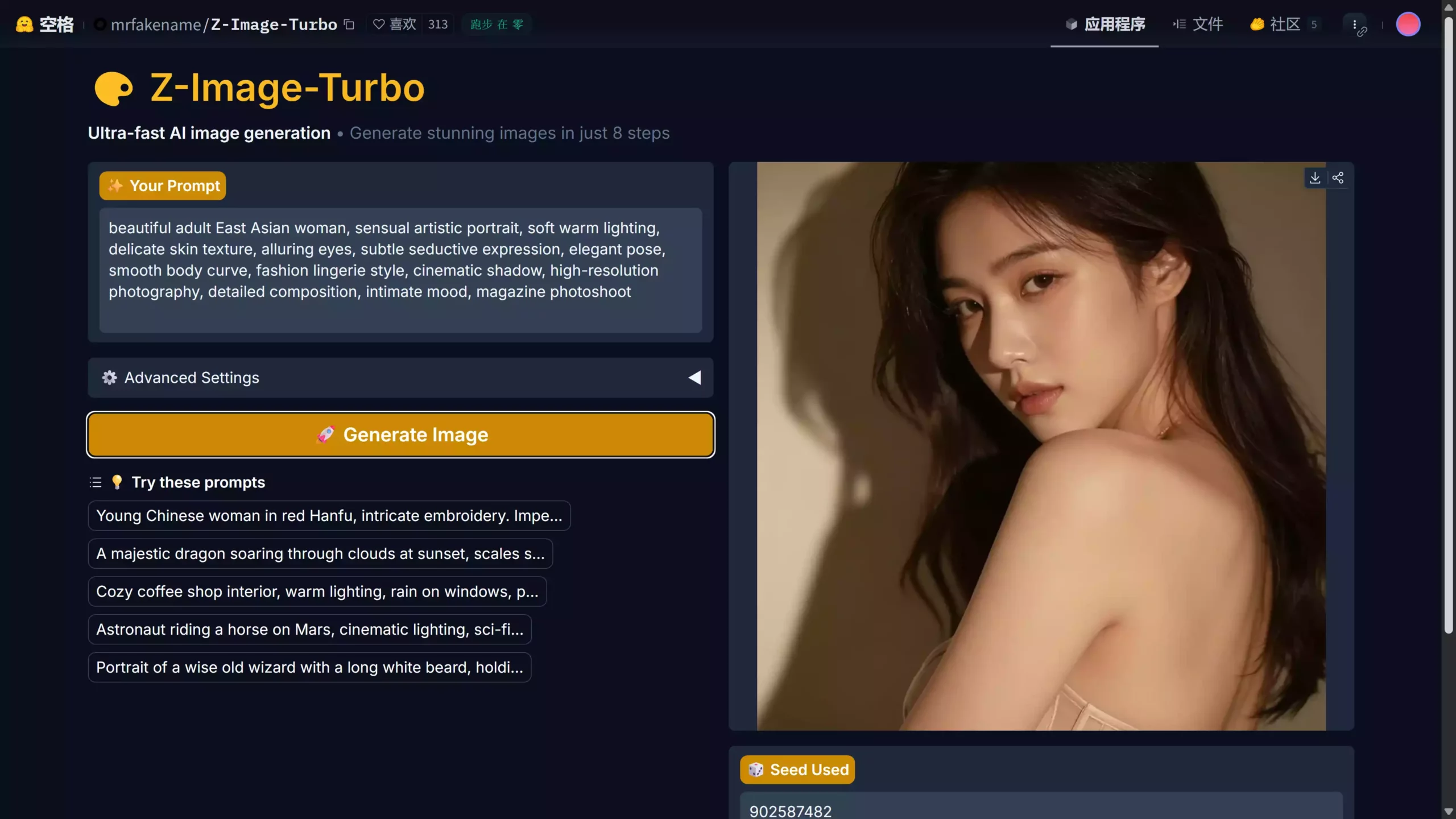
Of course, if your computer hardware is not up to standard, you can use a free online platform, such as one hosted on Huggingface. It's completely free, but during peak hours, there may be a queue due to high usage.
A super realistic photo of an East Asian beauty. Her skin is naturally smooth, dark and lustrous, with a sweet smile. The warm and soft ambient lighting creates a cinematic portrait effect. The photo uses shallow depth of field, rich detail in the eyes, 8K ultra-high-definition resolution, photo-realistic feel, professional photography, extremely clear facial details, perfect composition, softly blurred background, and a fashionable, high-fashion style.
Adorable Japanese girl, dressed in casual school uniform style, soft pastel tones, sweet smile, delicate makeup, brown eyes, fluffy hair, bright sunlight, extremely cute aesthetic, magazine cover style, delicate skin texture, clear facial features, perfect lighting, HDR
Korean fashion model, elegant and simple beauty, smooth straight hair, moist lips, perfectly symmetrical face, neutral studio lighting, Vogue-style photography techniques, delicate makeup, sharp eyes, high-end portrait lens effects, ultra-high definition image quality, fashionable and modern styling
Beautiful adult East Asian woman, sensual artistic portrait, soft warm lighting, delicate skin texture, alluring eyes, subtle seductive expression, elegant pose, smooth body curve, fashion lingerie style, cinematic shadow, high-resolution photography, detailed composition, intimate mood, magazine photoshoot
Completely free • Open source • Chinese support • No censorship • Low memory requirements
Currently the most feature-rich and user-friendly SSH remote terminal connector
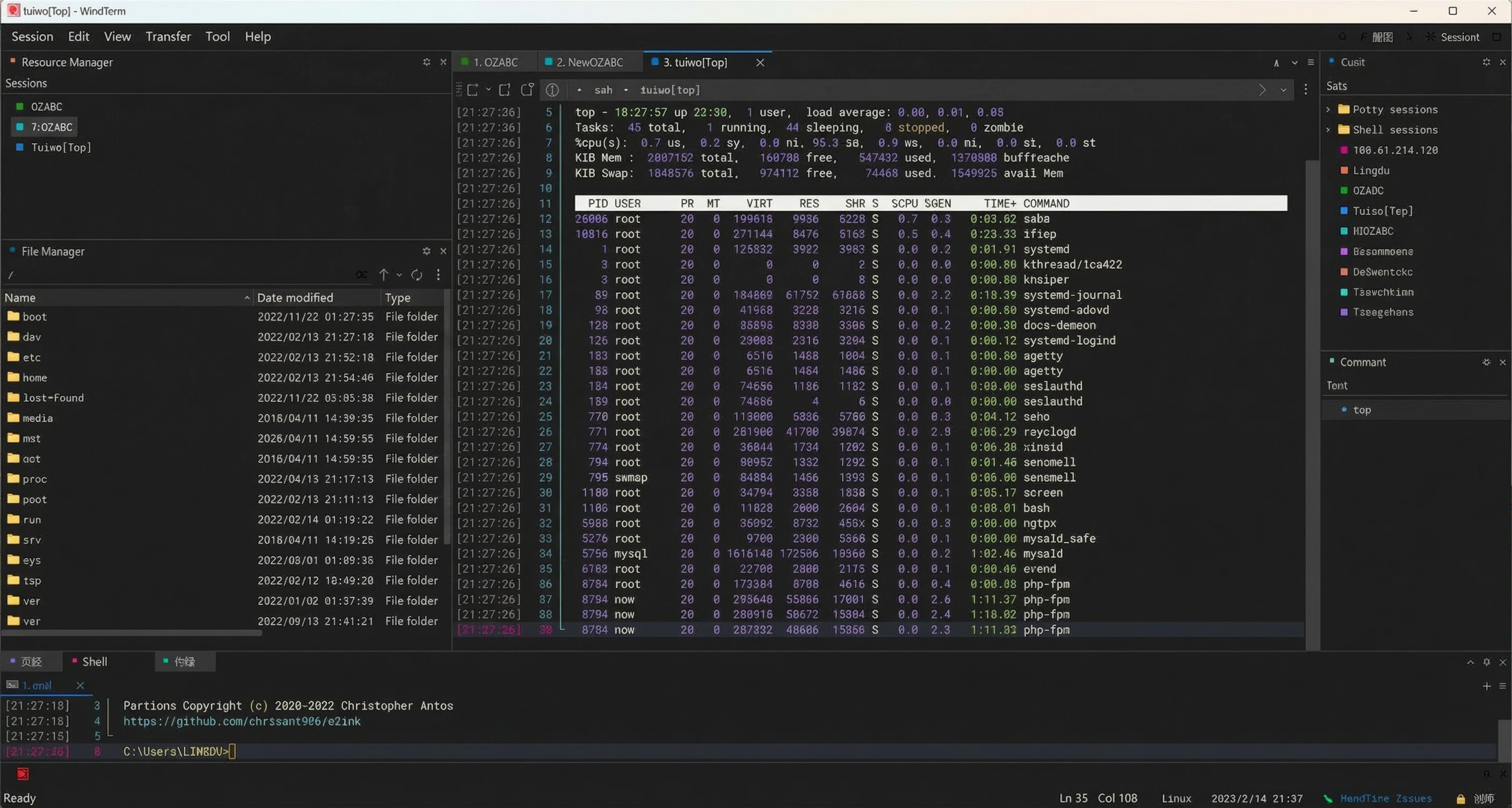
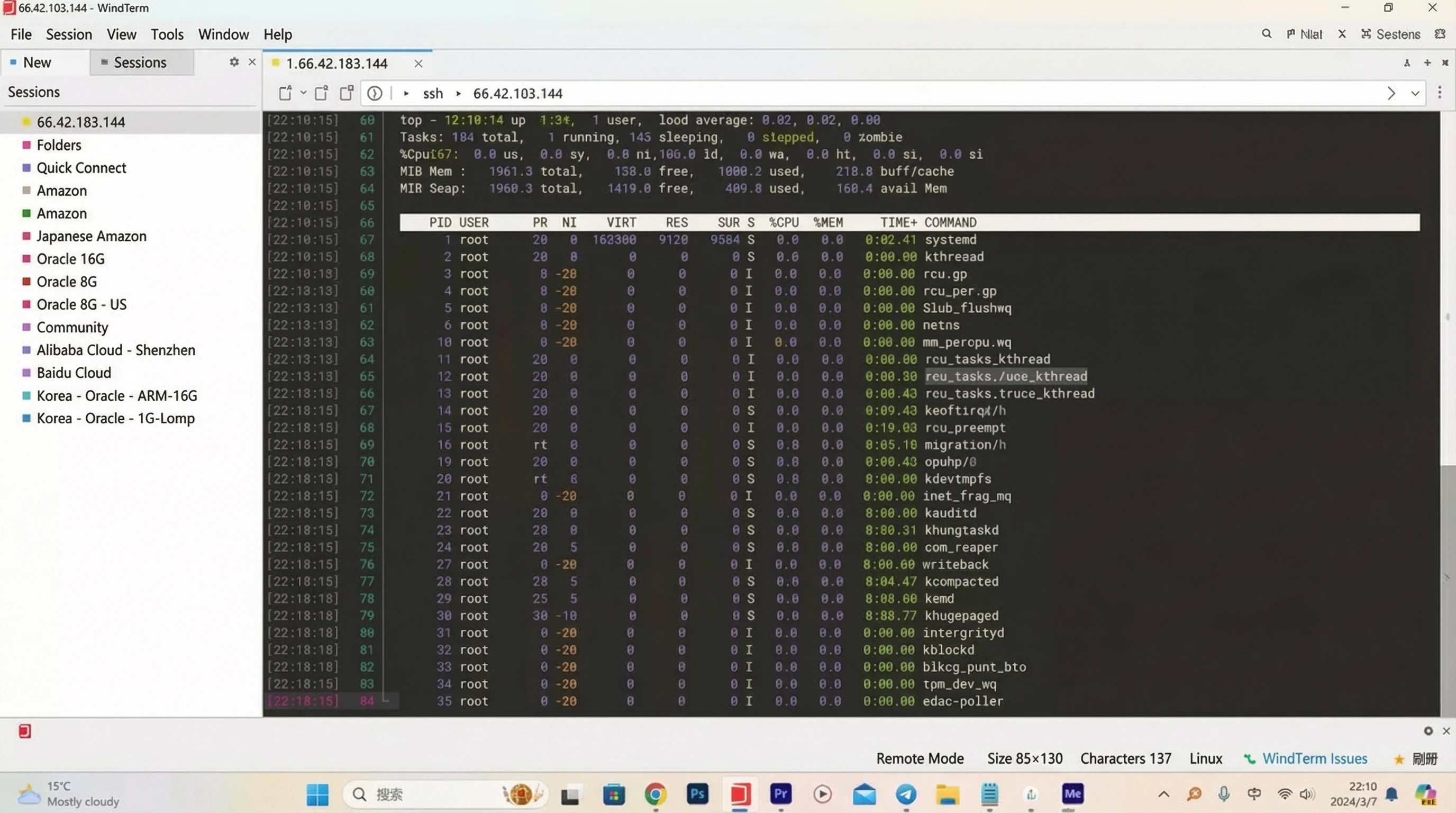
WindTerm is a powerful, free, and open-source terminal emulator that supports multiple protocols including SSH, Telnet, TCP, Shell, and Serial connections. Perfect for managing servers and working with remote systems.
https://github.com/kingToolbox/WindTerm/releases/tag/2.5.0
Features: SSH, Telnet, TCP, Shell, Serial
Implements SSH v2, Telnet, Raw TCP, Serial, and Shell protocols with comprehensive authentication support.
Integrates SFTP and SCP clients with comprehensive file operations.
Supports multiple shell environments across different operating systems.
Feature-rich GUI with extensive customization options.
Complete guide to setting up your own .onion website on the Tor network
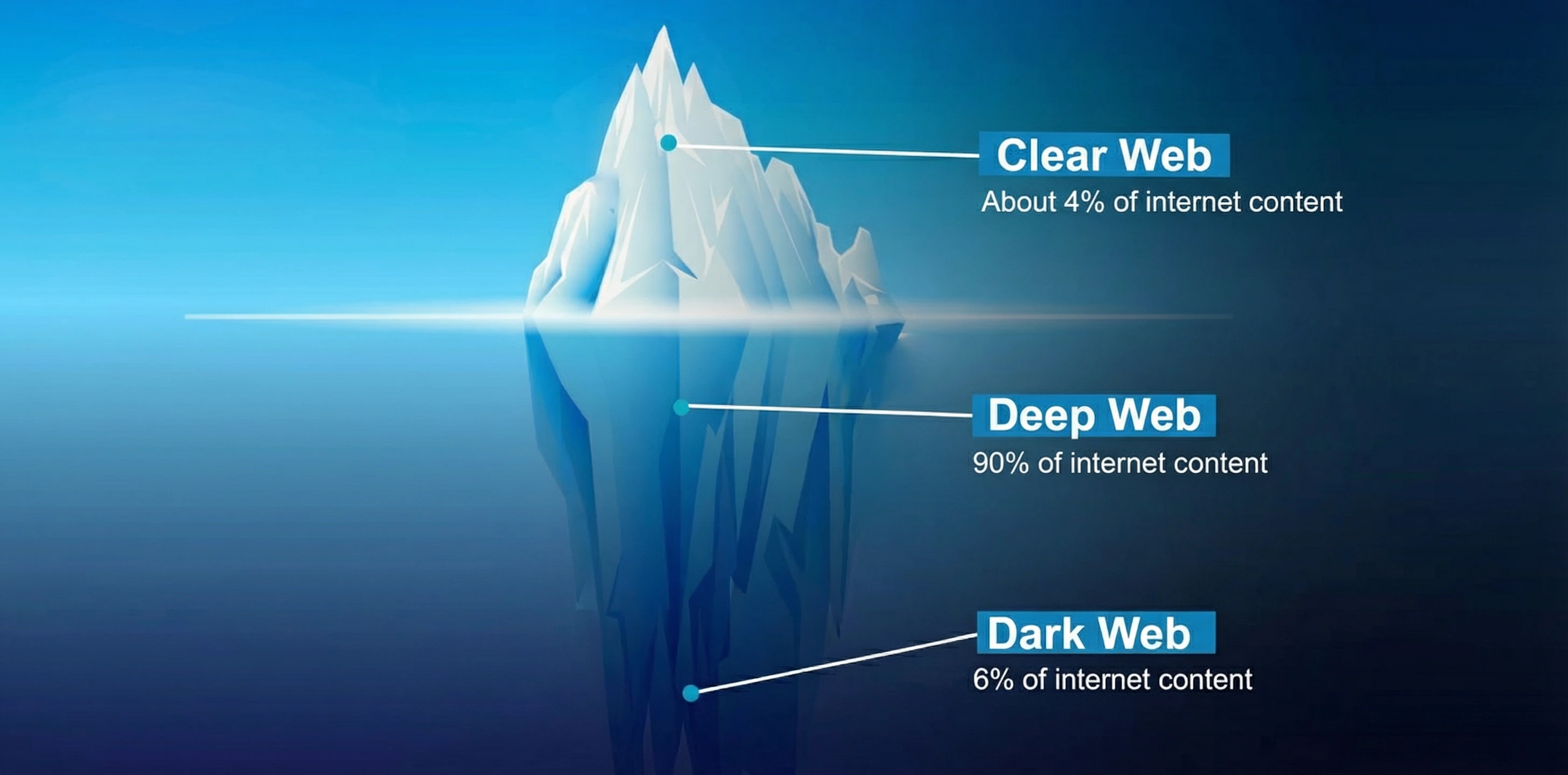
How to set up a dark web site? The mystery of the deep web is intriguing. In fact, the dark web is not necessarily illegal; it refers to areas of the internet inaccessible through regular search engines. To set up a dark web website, you typically need to use the Tor network. First, you need to configure a hidden service, set a .onion address, and deploy a web server such as Nginx or Apache.
The deep web does indeed hide a lot of mysterious content, including forums, intelligence exchange sites, and encrypted communication services, but it is also rife with illegal transactions. Exploring the deep web requires caution; never cross the line into illegality, and always maintain your initial passion for technological exploration.
apt-get install tor/etc/tor/torrc, remove the '#' symbol before the following code and modify the reverse proxy port 80:
#HiddenServiceDir /var/lib/tor/hidden_service/
#HiddenServicePort 80 127.0.0.1:8888
service tor restart/var/lib/tor/hidden_service file. It's completely free and you can generate it freely!dmr66yoi7y6xwvwhpm2qzsyboiq5n4at5d4frwaid25z64kwqs5hbqyd.onionbash -c "$(curl -sSL https://resource.fit2cloud.com/1panel/package/v2/quick_start.sh)"See the Zero Degree video demonstration for more details…
Advanced AI text-to-image model with enhanced human realism and natural details
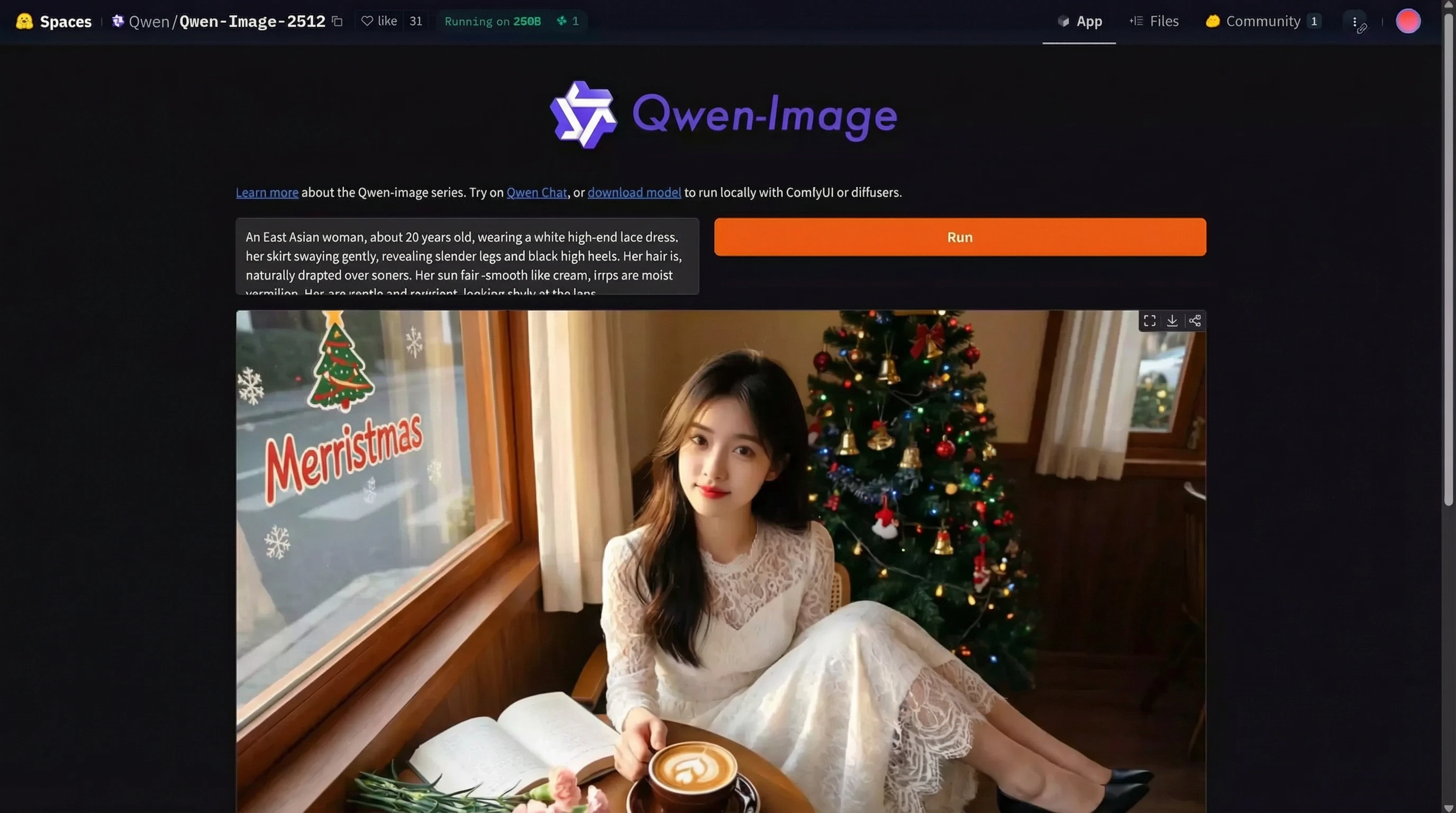
Qwen-Image-2512 is the December update to Qwen-Image's base text-to-image model, featuring enhanced human realism, finer natural details, and improved text rendering.
Qwen-Image-2512 is the December update to Qwen-Image's base text-to-image model. Compared to the base Qwen-Image model released in August, Qwen-Image-2512 offers significant improvements in image quality and realism.
| Aspect Ratio | Resolution |
|---|---|
| 1:1 | 1328×1328 |
| 16:9 | 1664×928 |
| 9:16 | 928×1664 |
| 4:3 | 1472×1104 |
| 3:4 | 1104×1472 |
| 3:2 | 1584×1056 |
| 2:3 | 1056×1584 |
Download the latest version of ComfyUI: Click to go
If you have already installed the ComfyUI client, it is recommended to upgrade it to the latest version.
The official ComfyUI client requires an external network connection to download its necessary environment packages and AI models. If you are unable to download them, you can use a secure encrypted VPN:
Then, enable TUN global mode!
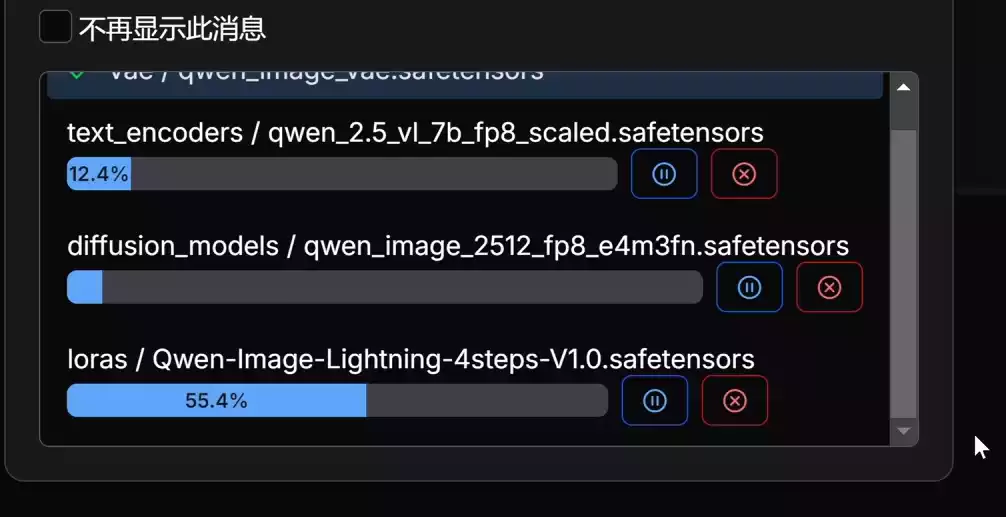
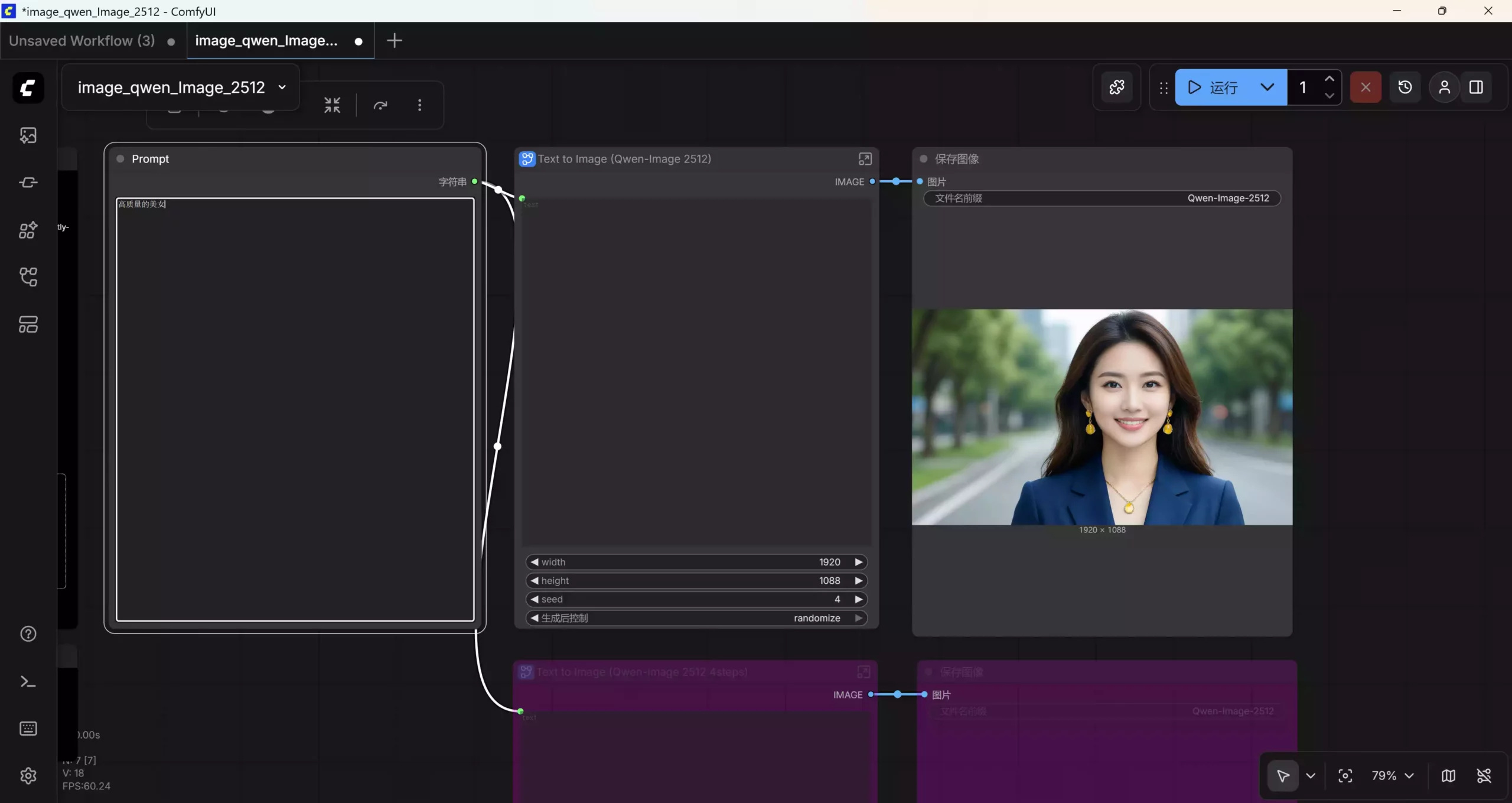
Download the JSON workflow Click to get. Drag and drop it into the workflow; the required models will be downloaded automatically. If you don't have an external network environment, you'll need to use a VPN or proxy and enable TUN global mode!
If your computer hardware does not support it, you can use the free online platform Qwen-Image-2512, which also generates unlimited content using the open-source Qwen-Image-2512.
If you want to manually install models of other sizes, you can see the following:
For image editing, supports multiple images, and improves consistency
| Component | File Name | Description |
|---|---|---|
| Text Encoder | qwen_2.5_vl_7b_fp8_scaled.safetensors |
Main text processing model |
| LoRa (Optional) | Qwen-Image-Lightning-4steps-V1.0.safetensors |
For 4-step Lightning acceleration |
| Diffusion Model | qwen_image_2512_fp8_e4m3fn.safetensors |
Recommended for most users |
| Diffusion Model | qwen_image_2512_bf16.safetensors |
If you have enough VRAM and want higher image quality |
| VAE | qwen_image_vae.safetensors |
Variational Autoencoder |
Completely free • Open source • High quality • Multiple aspect ratios